Product Photo to Ad (2026): 6 AI Tools for Finished Meta Ads
Turn one product photo into finished Meta ads: AdMakeAI does it for $0.16 an ad, copy and sizes included. Canva Grow, AdCreative.ai, Photoroom compared.
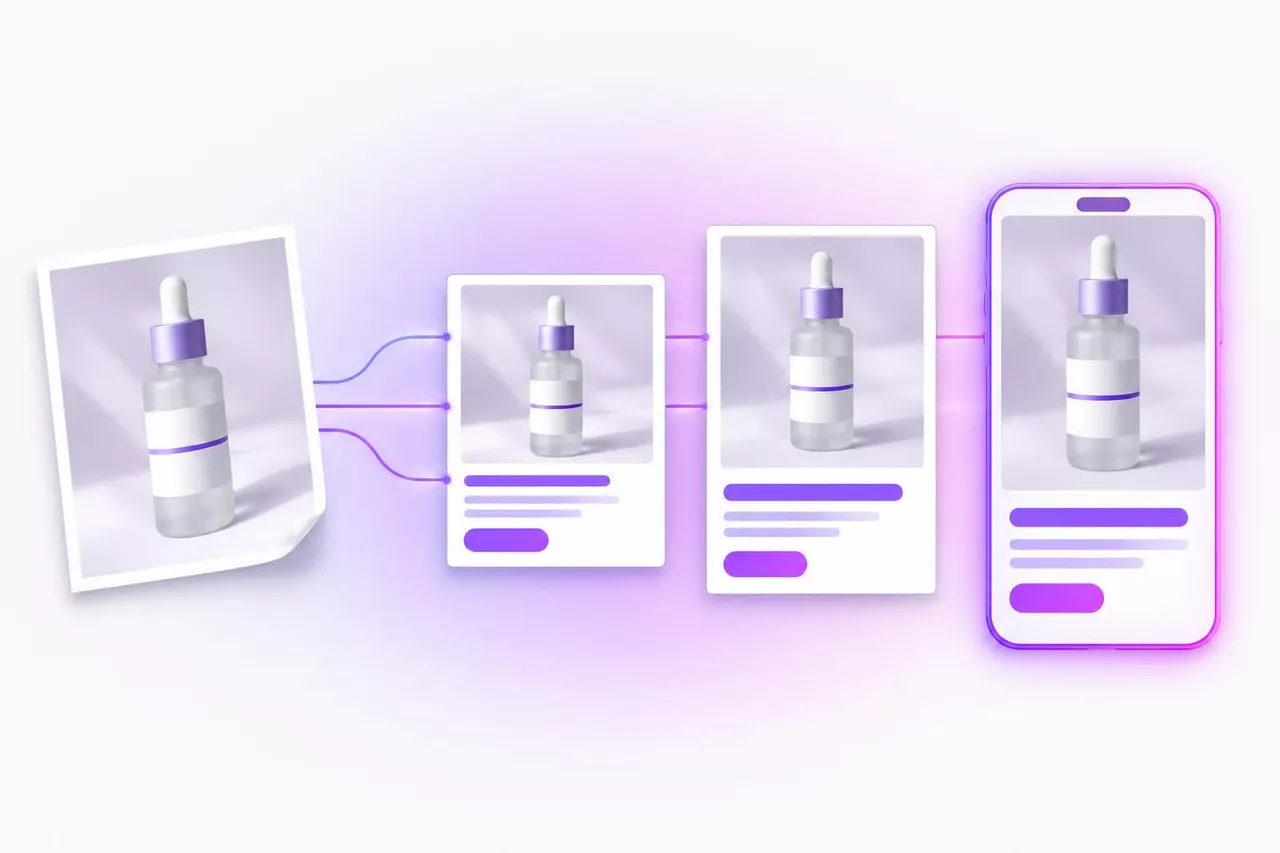
To turn a product photo into a finished Meta ad in 2026, go with AdMakeAI: upload one shot and get back ads with your product, headline and CTA button on them for $0.16 an ad on the $39 Starter plan (500 credits, 2 credits per ad). AdCreative.ai runs $1.95 per download, 12 times as much. AdMakeAI also writes the Ads Manager copy, redoes the layout for Feed and Stories and pushes a paused draft to your Meta ad set.
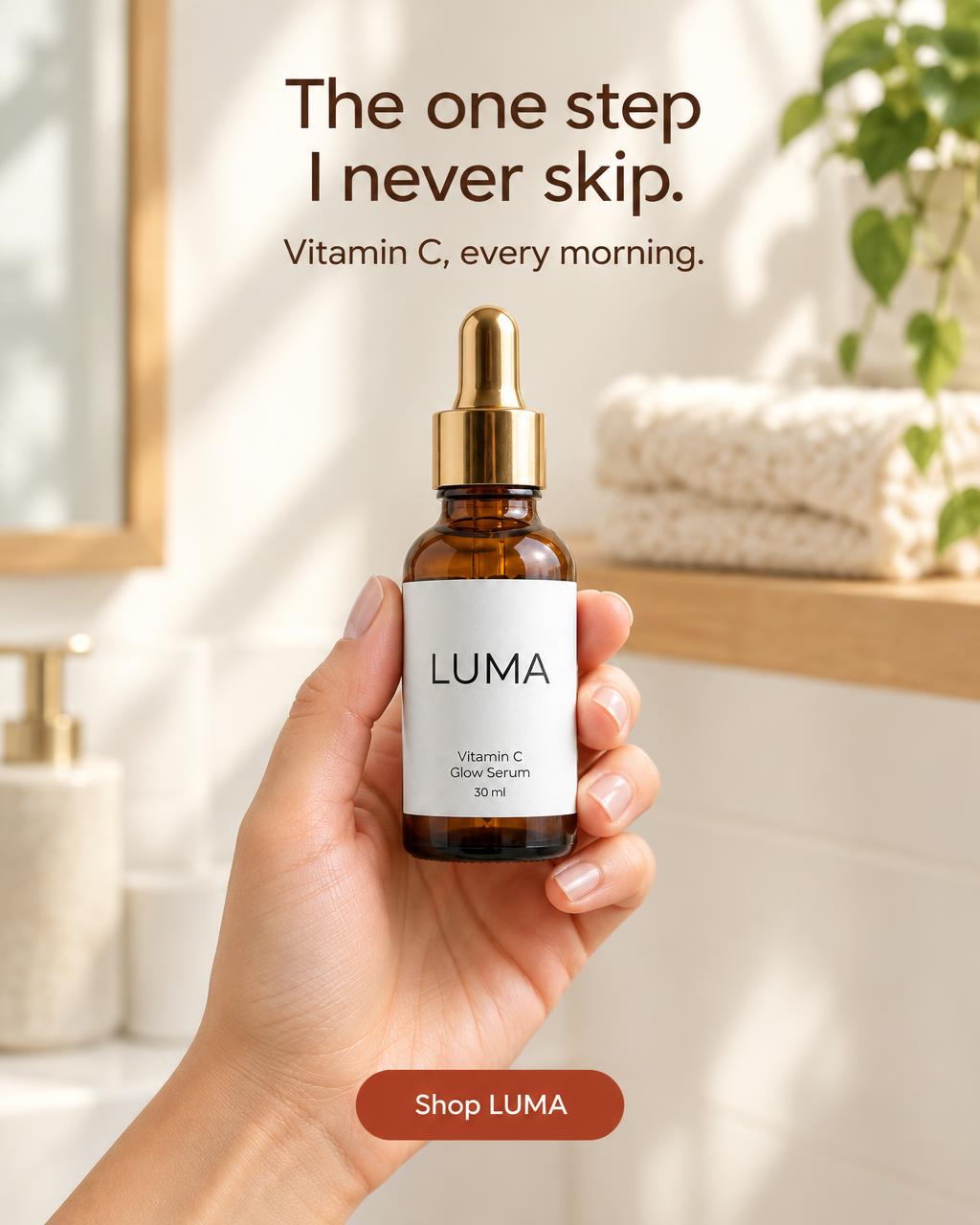
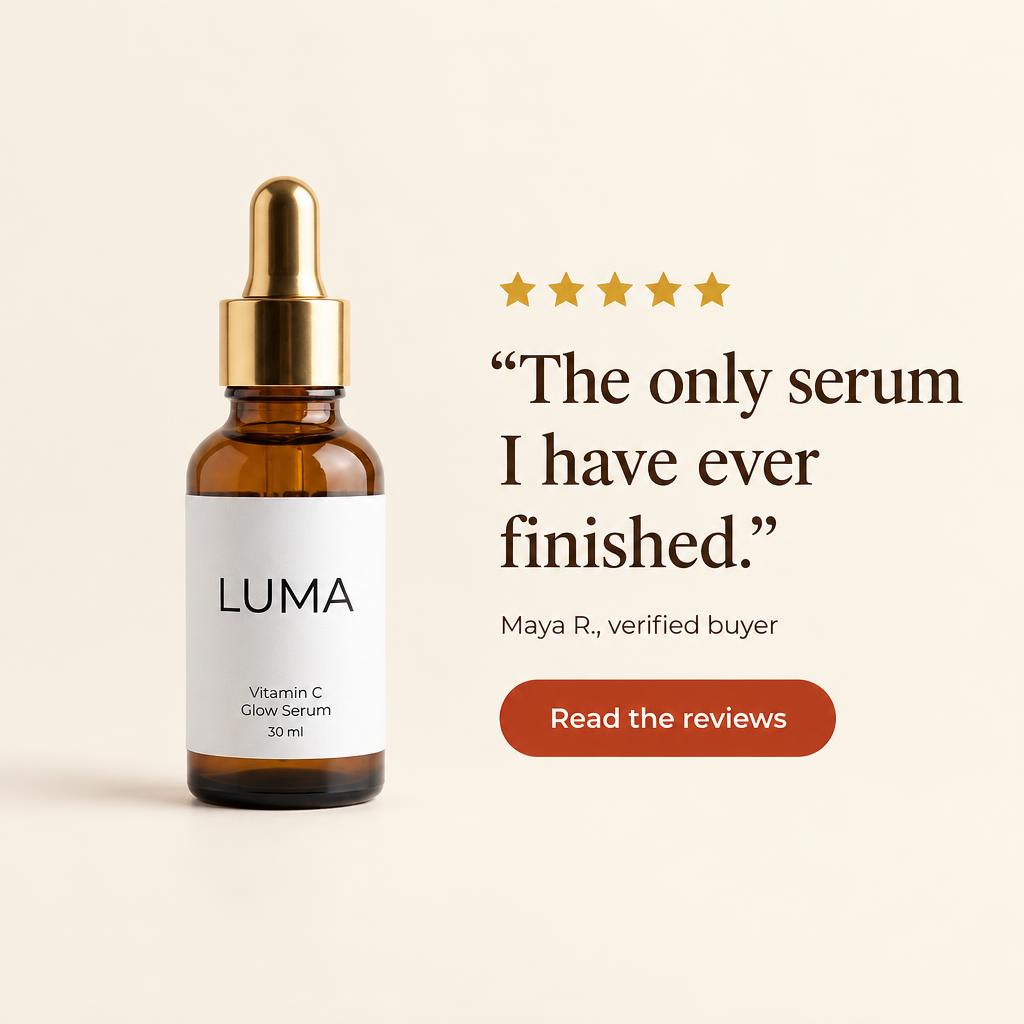
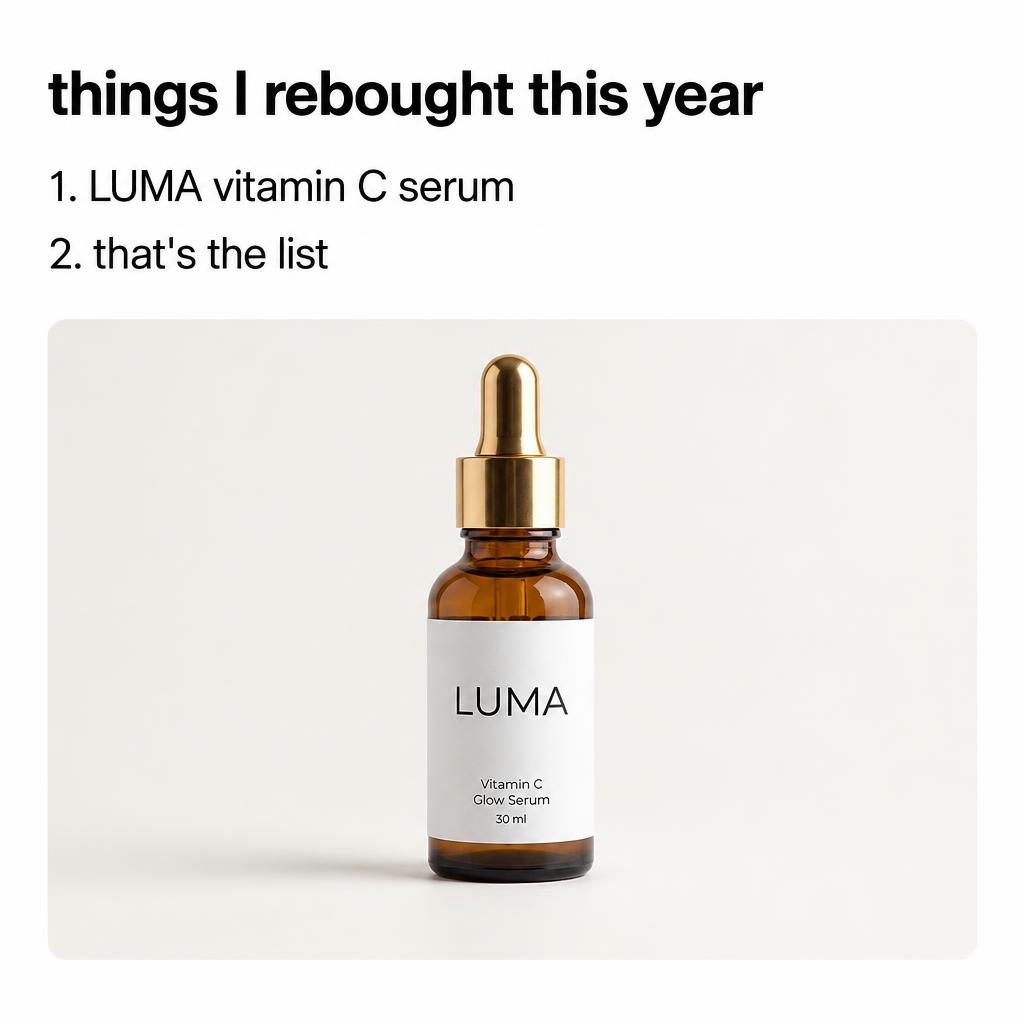
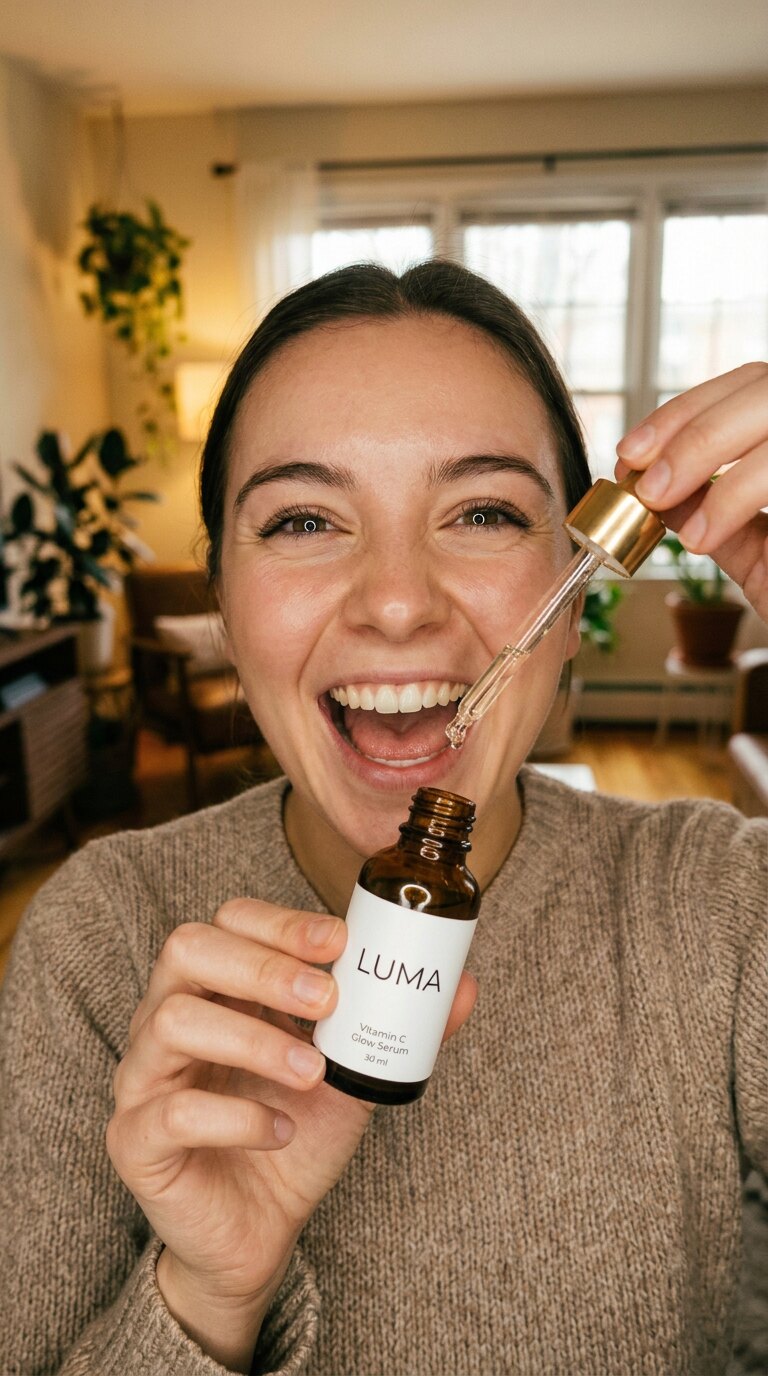
Same shot in every frame here, with the bottle and label locked across Feed and Stories sizes.
Which product photo to ad tool to pick
One photo into a finished Meta ad
AdMakeAI. Two credits ($0.16 on the $39 Starter plan) gets the image with headline and CTA baked in, plus primary text, headline and description for Ads Manager.
A week of creative from one shot
AdMakeAI's Ad Set Studio spins up to 15 ads in one batch from the same photo for 30 credits ($2.34 on Starter).
Your team lives in Canva already
Canva Grow builds three concepts to edit in Canva with no per-ad price. AdMakeAI shows the exact credit spend on the button before you click: 30 credits for 15 finished ads.
You were about to pay per download
Skip AdCreative.ai's $39 Starter (20 downloads, $1.95 each). That same $39 buys 250 finished ads in AdMakeAI, and you keep every one.
You already run ads in Meta
Meta's Advantage+ creative only swaps backgrounds on ads you built yourself. AdMakeAI makes the ad from your photo, writes the copy and pushes a paused draft to your ad set for 3 credits.
Turn the same photo into video
AdMakeAI's UGC generator puts your product in the hands of 32 AI actors for 5 credits ($0.39 on Starter) per 10-second clip. See AI UGC video tools.
Testing before you spend anything
Grab 30 free credits at signup in AdMakeAI with no card, enough for Fast ads at 2 credits each. More in free AI ad generators.
If your raw shot is rough, fix that first: check getting the product photo right, or grab one of these AI product photography tools. Only have a store link and no photos yet? Start with AI ad generators that start from a URL.
Product photo to ad pricing: cost per finished ad, checked November 2026
Count what a finished ad costs you, not what a picture costs. On a $39 monthly plan, AdMakeAI gives you 250 finished ads versus 20 downloads in AdCreative.ai. Canva hides the per-ad math inside a shared AI allowance, while Meta, Adobe Express and Photoroom leave the ad assembly to you.
Finished ads a month for about $39
AdMakeAIStarter $39, $0.16 an ad
250 ads
Flair.aiScale plan, about $1.01 an ad
37 ads
AdCreative.aiStarter $39, $1.95 a download
20 downloads
Canva Grow
No per-ad price, shared AI allowance
Meta Advantage+
Only remixes ads you build first
Adobe Express
Template you write and export yourself
Photoroom
Cleaned photos only, you build the ad
Swipe sideways to see every column
| Tool | What you get back | Next step | Plan & credit math | Cost per finished ad, monthly (yearly) |
|---|---|---|---|---|
| AdMakeAI (ours) | Finished ad with headline, subline and CTA on the image, plus primary text, headline, description and CTA for Ads Manager | Lands in your Meta ad set as a paused draft (3 credits) | Starter $39 a month for 500 credits (2 credits an ad, 2 an extra size) | $0.16 ($0.11 yearly, $27.30 a month) |
| Canva Grow | Three concepts you edit in Canva with Magic Layers | Meta, once you tweak each layout yourself | Shared monthly AI allowance across every Canva AI tool | Not published |
| AdCreative.ai | Photoshoot scenes, then static ad creatives | Spend a credit per download, then upload manually | Starter $39 a month for 20 credits (1 credit buys 1 download) | $1.95 a download ($1.00 yearly) |
| Meta Advantage+ creative | Background and text variations on an ad you already built | Ads Manager, after you build the starting ad | Included in Meta, though it only remixes ads you upload | No finished ad to price |
| Adobe Express | Ad template with your photo dropped in and your own words typed on | Download the file and upload to Meta yourself | Generative credits for Firefly images | No finished ad to price |
| Photoroom | Cut-out photo placed on a new AI background | Export the image, then build the ad in another app | Exports and AI credits for photo edits | No static ad maker |
Prices from each tool's pricing page, checked November 17, 2026, monthly billing unless marked. AdCreative.ai counts downloads; AdMakeAI counts finished ads.
Will the AI mess up your label? One photo next to 9 finished ads
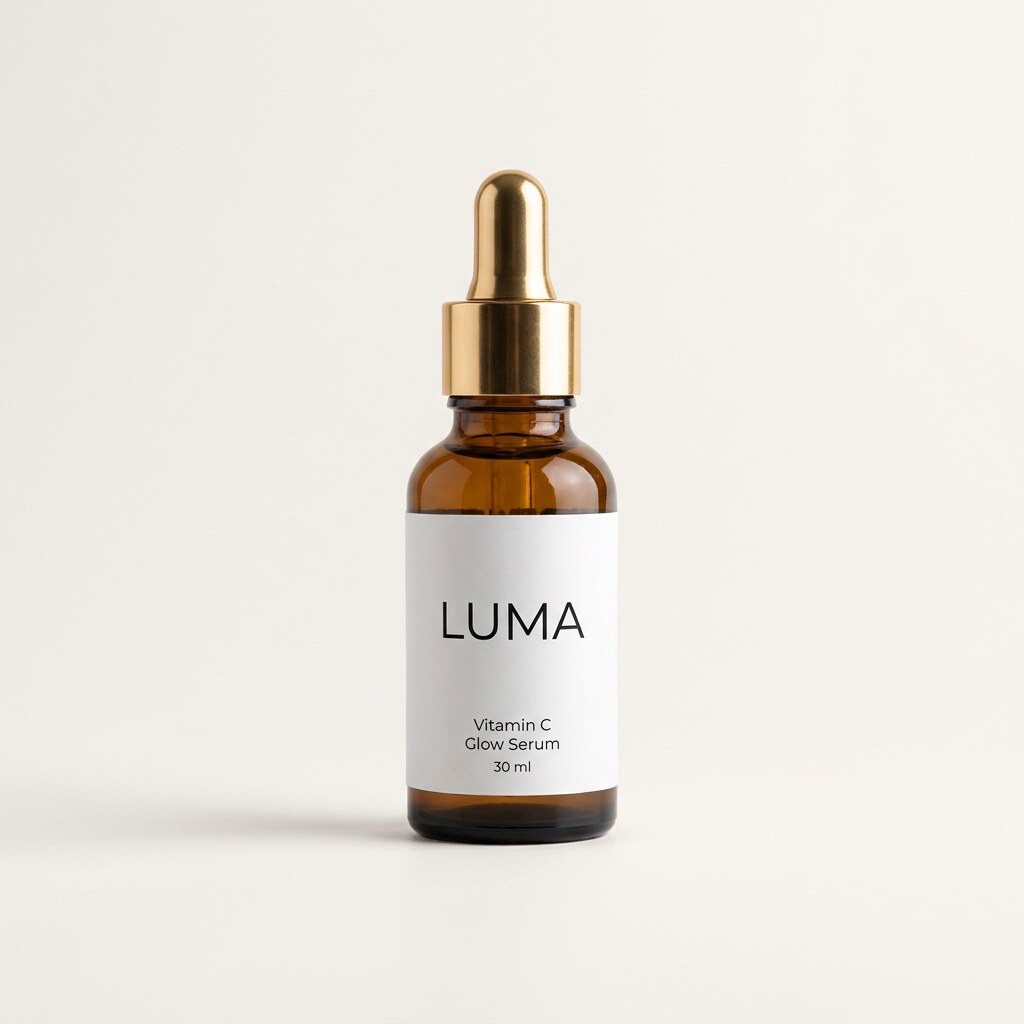
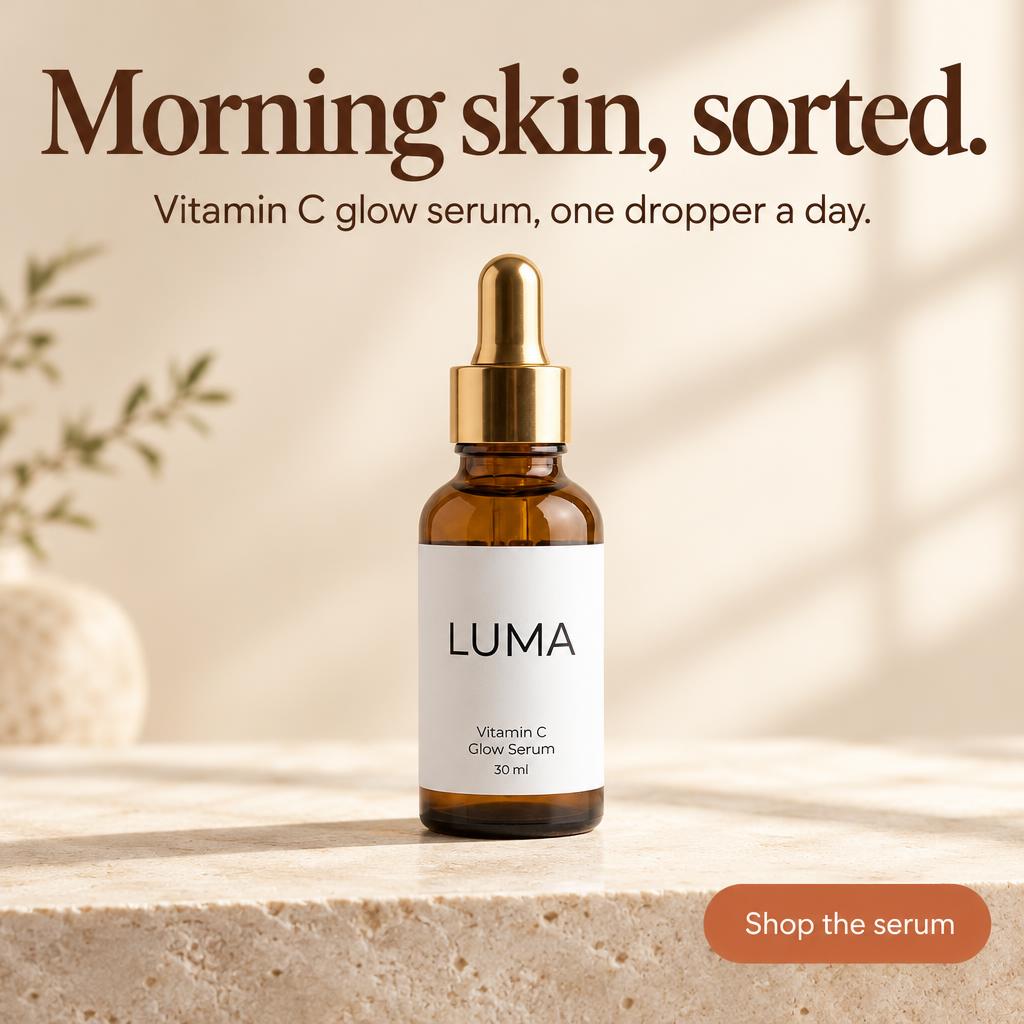
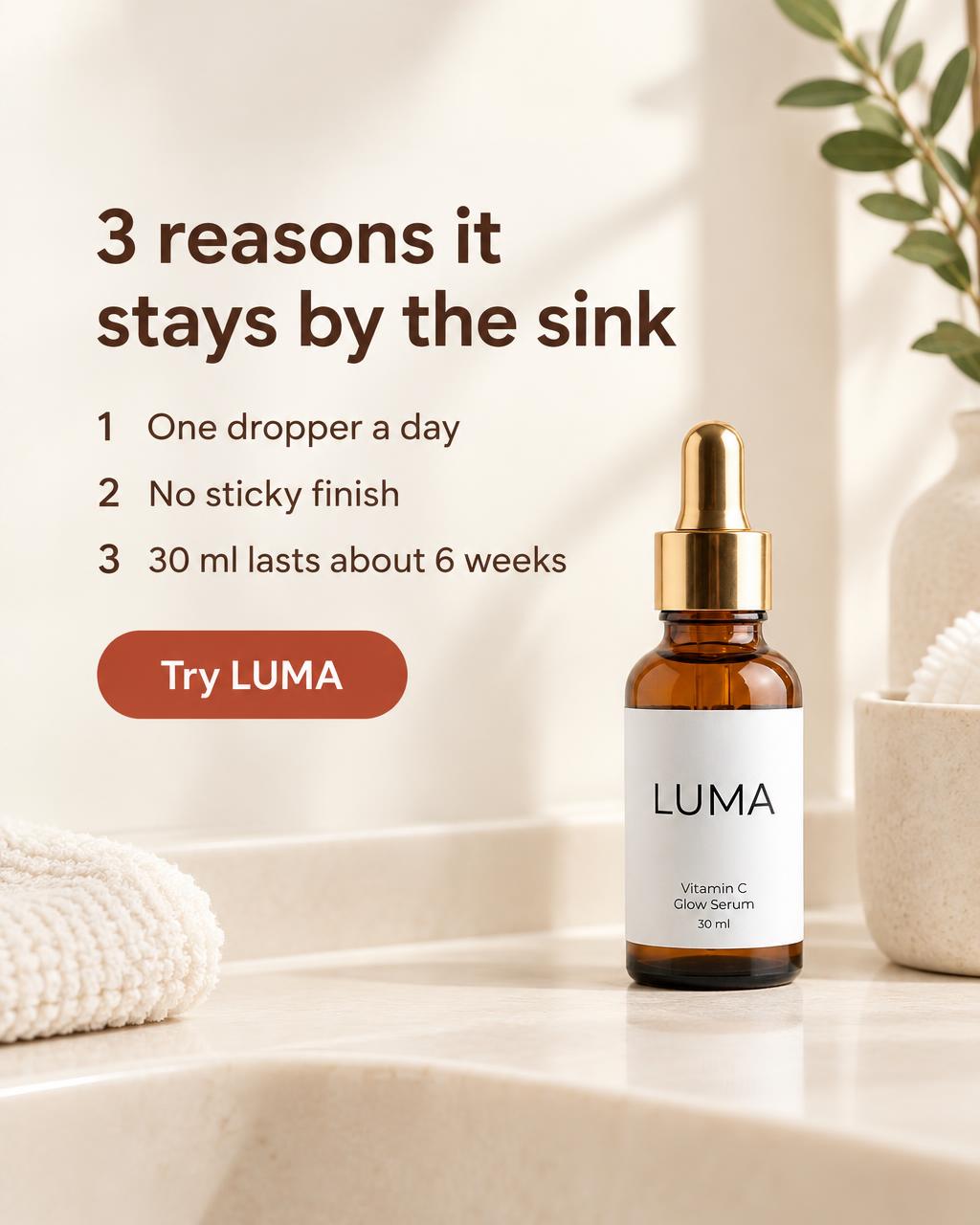
No. AdMakeAI locks onto your photo on every render and builds the scene around the bottle you shot. The amber glass, gold cap, LUMA lettering and tiny 30 ml print stay intact.
Below is our test serum next to nine outputs from that single shot across three ad sizes, five static concepts and a UGC video frame. One straight-on phone photo with the label facing the lens is enough; see getting the product photo right.
Same label across every render: original shot next to 9 ads



The label in the photo
In this ad: Morning skin, sorted.
The 6 product photo to ad tools, ranked
Ranked by how much of the ad is still left on your plate when the tool finishes: headline, extra sizes, primary text and uploading to Meta.
1. AdMakeAI: best when you want finished ads straight into Ads Manager
A decent product photo still leaves an hour of work: headline, 4:5 for Feed, 9:16 for Stories and primary text. Most AI tools hand back a cleaner photo and dump you into Canva to finish it.
In AdMakeAI, drop in your photo, product name and a one-line pitch to kick out your first 8 ads. Each ad arrives with a headline, subline and CTA button on the image, plus primary text, headline, description and CTA for Ads Manager.
What 2 credits gets you
Your photo
Pulled from your photo: bottle and label
LUMA SkincareSponsoredTired, dull skin? LUMA Vitamin C Glow Serum brightens... See more
Dull Skin's Wake-Up Call
Brighten dull skin daily
Need a week of creative? Ad Set Studio generates up to 15 ads per batch from that same photo across six ad styles or 17 product ad templates. Here's one click on our serum shot.



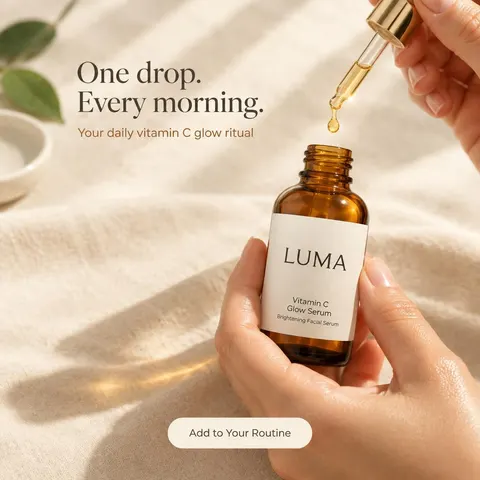



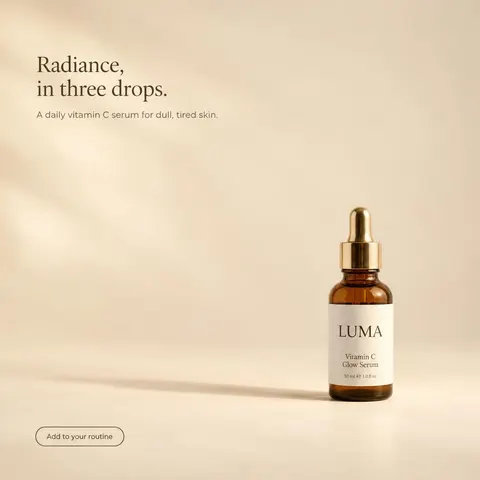




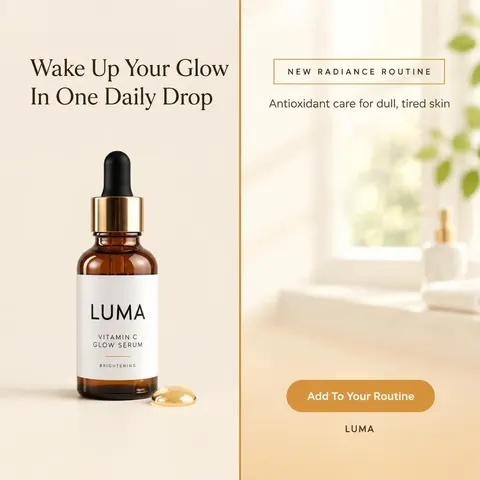
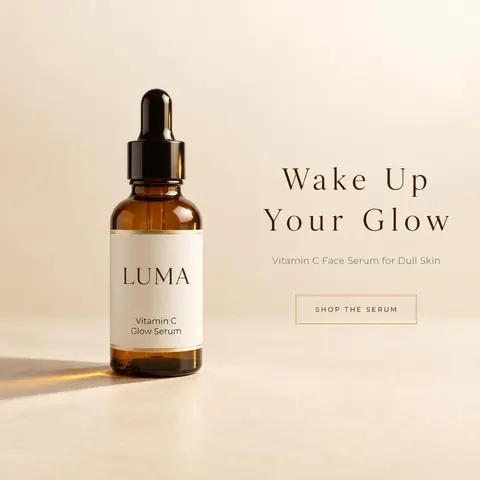
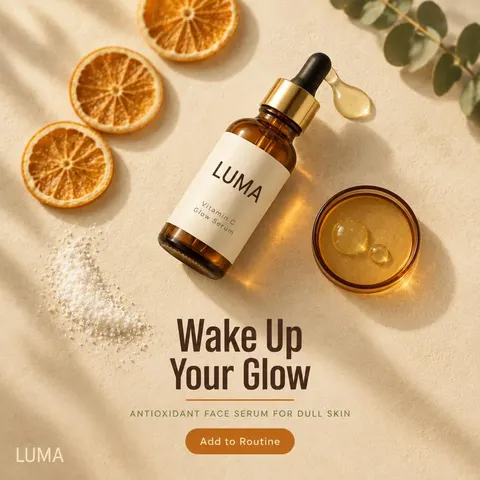

AdMakeAI outputs 1:1, 4:5, 9:16 and 16:9 natively, and adapts finished ads to new placements for 2 credits, rearranging the headline and button instead of chopping them off.
One ad, three placements
Feed 1:1
Original 1:1
Feed 4:5
Relaid to 4:5 (2 credits)
Stories and Reels 9:16
Relaid to 9:16 (2 credits)
When you pick winners, AdMakeAI pushes them into your Meta ad set as paused drafts for 3 credits. You can also run the whole workflow from Claude; we compared that publish step in AI ad generators that publish to Meta Ads Manager.
Price: $39 a month buys 250 Fast ads or 62 Sharp ones. Generating an ad and pushing it to Ads Manager takes 5 credits, or $0.39.
Best test is your own product: drop in a photo from your camera roll and see what comes back in two minutes.
30 free credits, no card
2. Canva Grow: best if your team already designs in Canva
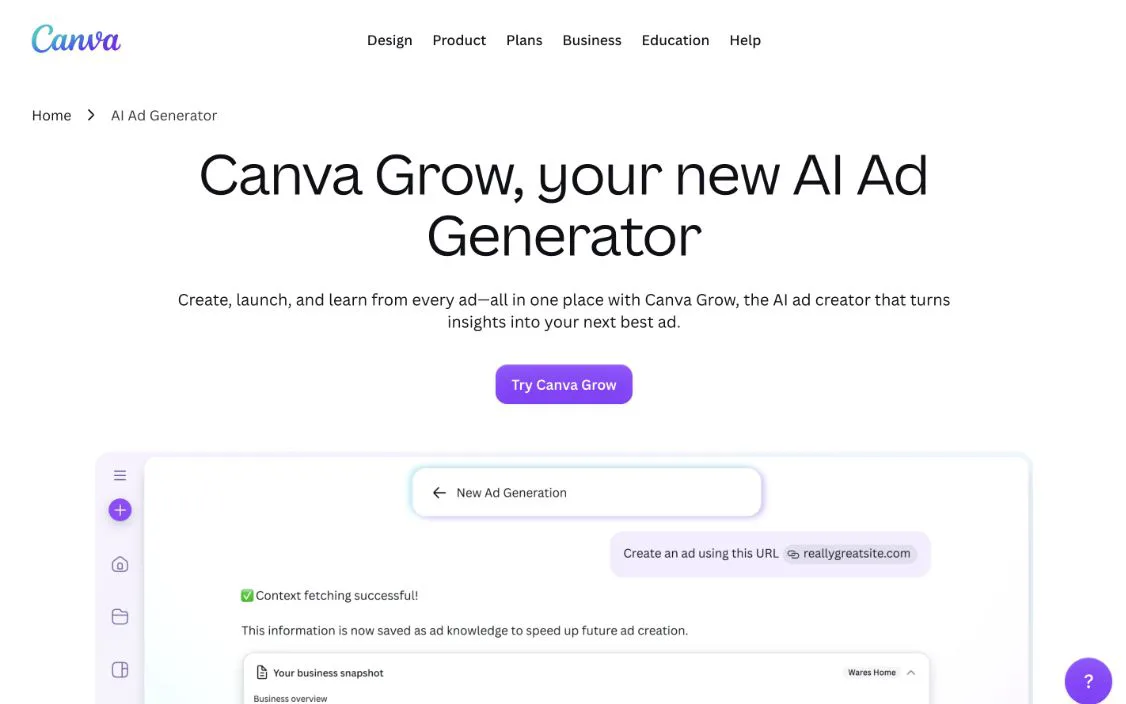
Canva Grow sits inside the editor your team already has open. Drop in a product photo and it spins up three ad concepts to tweak and send to Meta.
Left to you: every layer tweak and an opaque credit meter. You get a Canva file to adjust in Magic Layers with no price per ad. AI tools pull from one shared monthly allowance, and Canva's pricing page says "More advanced AI tools and complex tasks use more allowance," so you only see what a batch cost after it's gone. One August 2026 Trustpilot reviewer wrote: "Canva's tracker only shows customers how much allowance has already been consumed."
AdMakeAI shows the credit price on the Generate button before you click and hands back finished ads. More on our Canva Grow alternative page.
3. AdCreative.ai: best if you generate dozens of drafts to download a few
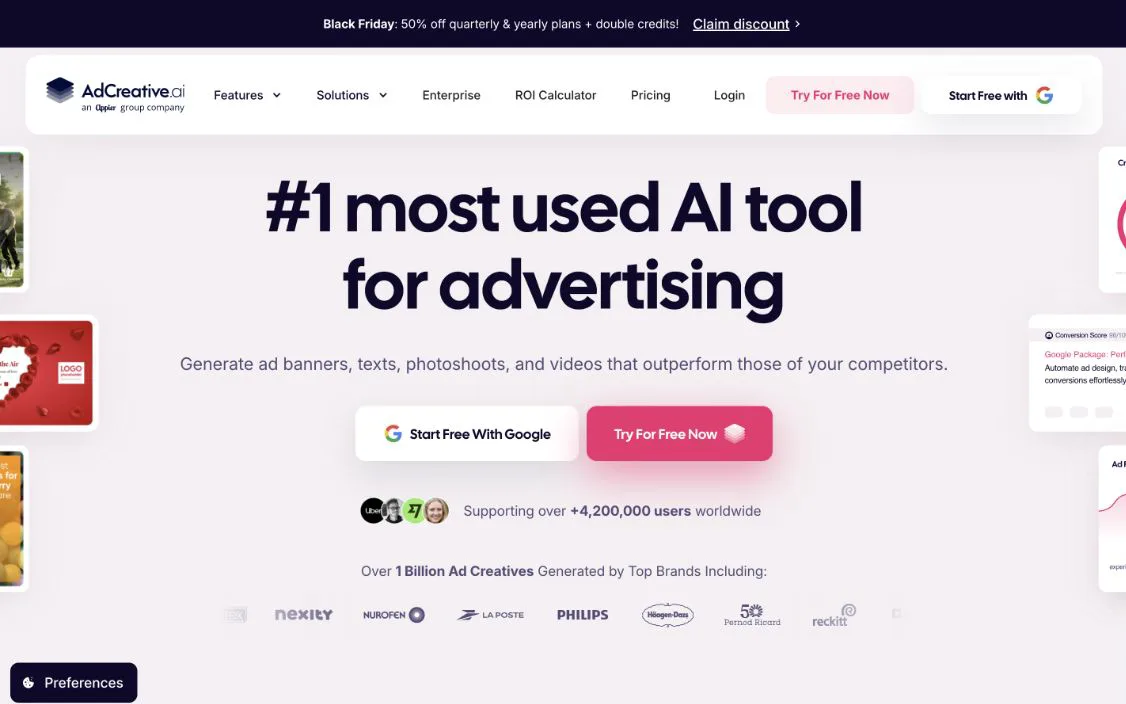
AdCreative.ai turns product shots into studio scenes and static creatives "with a single click." Generating is unlimited; downloading is where the meter runs.
Left to you: tight download caps and billing headaches. Every export burns a credit, and the $39 Starter tier gives you 20, the same $39 that buys 250 ads in AdMakeAI. Twenty downloads covers one test before you wait until next month. Users also hammer billing: AdCreative.ai sits at 3.5 on Trustpilot across 4,664 reviews (32% one-star), mostly over charges after the 7-day trial. One November 2026 review: "They are sneaky and set you up for a subscription without being fully transparent."
See our AdCreative.ai alternative page, or Canva Grow vs AdCreative.ai if it's between those two.
4. Meta Advantage+ creative: best for remixing ads you already made
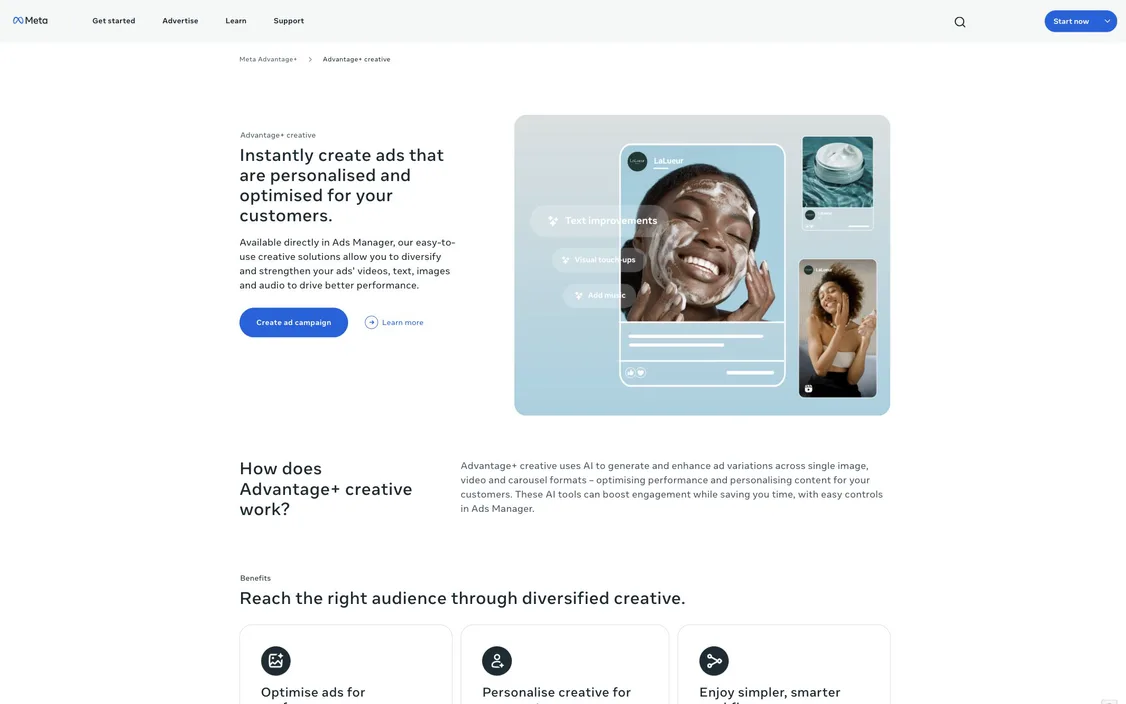
Advantage+ creative lives inside Ads Manager. Once you upload an ad image, Meta swaps backgrounds behind your product and lays text you wrote over the image.
Left to you: making the starting ad. Advantage+ only works off the image, primary text and headline you bring, so the design and copy happen elsewhere first.
AdMakeAI builds that starting ad from your photo, writes the copy and drops it into your ad set as a paused draft for 3 credits. Flip on Advantage+ there if you want Meta's variations on top.
5. Adobe Express: best if you want a template to fill in yourself
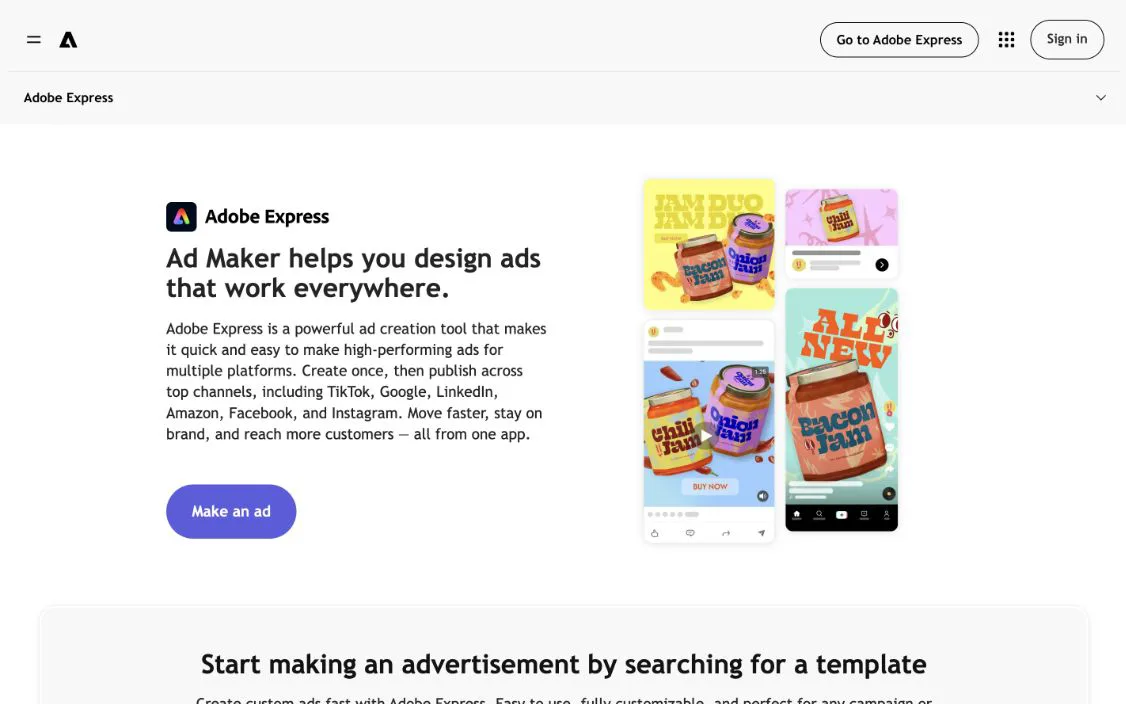
Adobe Express pairs social ad templates with Firefly for prompt-based backgrounds. Its ad maker lets you swap "images, logos, and type" into a layout.
Left to you: writing the copy, fixing resizes and uploading by hand. You type the template text yourself and, as Adobe's page notes, "download Meta ads to your device to share" before loading them into Ads Manager.
AdMakeAI writes the headline onto the image, redoes every size for 2 credits and drops the draft into your ad set.
6. Photoroom: best if the photo needs cleaning before anything else
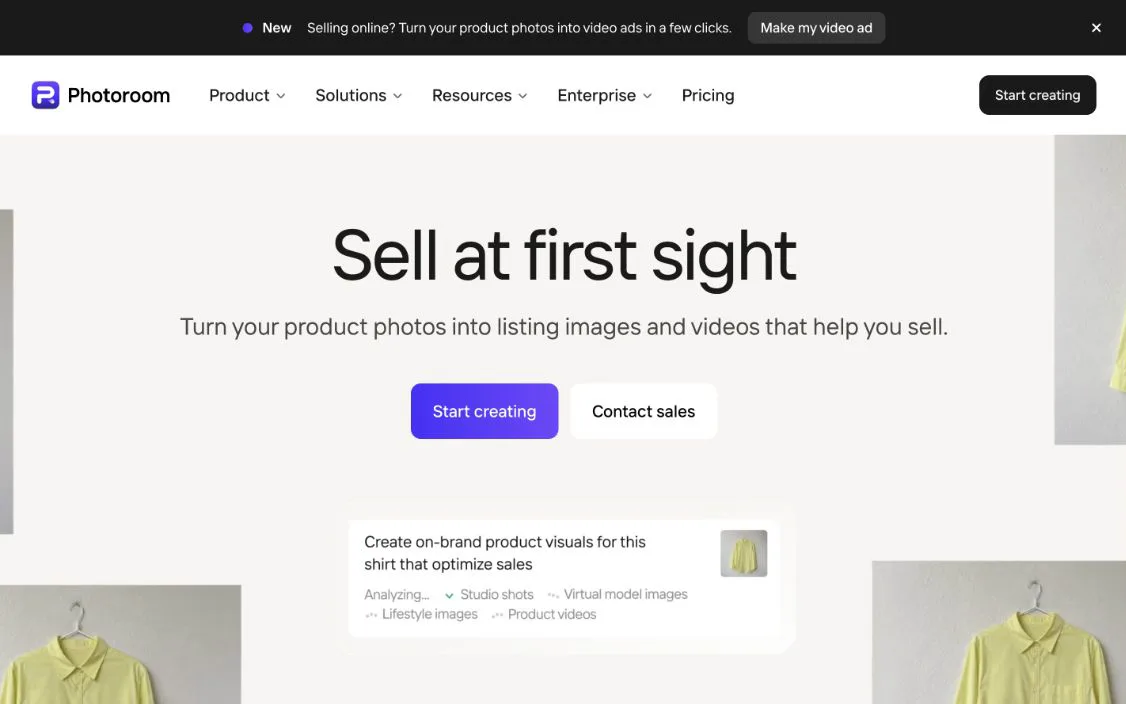
Photoroom cleans up product shots with background cutouts, AI Backgrounds and staging on plans metered by exports and AI credits.
Left to you: turning that clean photo into an ad. You leave Photoroom with a picture file, so the headline, CTA button, 4:5 and 9:16 resizes and Ads Manager copy wait for another app. Its video ads start on the Max plan at $0.70 or more a video; an AdMakeAI UGC clip with an actor holding your product runs $0.39.
If your phone shot is decent already, skip the detour: feed the raw photo into AdMakeAI and get finished ads.
Also considered
- Flair.ai counts each ad as four generated images, so its Scale plan yields roughly 37 ads a month at $1.01 each, and you carry them to Ads Manager yourself.
- Pebblely puts product shots on 40+ background themes, leaving headlines, copy and ad layout to you; see AI product photography tools.
- Creatify handles avatar video rather than static product ads. See our Creatify alternative page.
Product photo to ad questions
What is the best AI tool that turns product photos into ad creatives?
AdMakeAI. Upload one photo and get finished ads with a headline, CTA button and Ads Manager copy for $0.16 an ad on the $39 Starter plan, sent straight to your Meta ad set as a paused draft. Canva Grow fits teams already designing in Canva.
Is there a free AI ad generator from a product photo?
Yes. AdMakeAI gives you 30 free credits at signup with no card, and a finished ad with headline and CTA costs 2 credits.
Which AI tools turn product photos into ad banners?
AdMakeAI generates 16:9 banner ads from a product photo and adapts existing ads to 16:9 for 2 credits, rearranging the headline and button instead of cropping them.
Can AI combine a style reference with my product photo?
Yes. AdMakeAI lets you attach up to 3 reference images in an ad set, pairing your product shot with any layout you want.
How do small brands make professional product ads without a studio?
Shoot one straight-on phone photo with the label facing the lens. AdMakeAI builds the scene, headline and CTA button around it for $0.16 an ad.
Can I turn a product photo into a video ad?
Yes. AdMakeAI turns that photo into a 10-second UGC video of an AI actor holding your product for 5 credits ($0.39 on Starter). Photoroom's video ads start on its Max plan at $0.70 or more a video.
Can Meta Ads Manager make an ad from my product photo?
Meta's Advantage+ creative only swaps backgrounds on ads you already built and wrote. AdMakeAI builds the ad from your photo, writes the copy and drops it into your Meta ad set as a paused draft for 3 credits.
Canva Grow or AdCreative.ai: which is better for product ads?
Canva Grow works if you already live in Canva, though it hides the per-ad cost inside a shared allowance. AdCreative.ai bills $1.95 per download on its $39 Starter plan. For $39, AdMakeAI gives you 250 finished ads at $0.16 each.
Before you launch an ad made from a photo
- 1Start with one straight-on shot with the label facing the lens. AdMakeAI carries that label into every ad.
- 2Keep headlines under 27 characters so Facebook Feed won't cut them off, and put the hook in the first 125 characters of primary text. AdMakeAI's free preflight checks both.
- 3Resize to 4:5 for Feed and 9:16 for Stories and Reels (2 credits a size in AdMakeAI). Check every placement in Facebook ad image sizes.
- 4Push it to your ad set as a paused draft for 3 credits, check the Ads Manager preview and flip it on.
Make your next ad from what already runs
Research what competitors are running, then generate your own on-brand ads in minutes.