TikTok safe zone: will the app cover your ad?
Drop your ad or a video frame in to see what TikTok's buttons and caption hide. Or take the template.
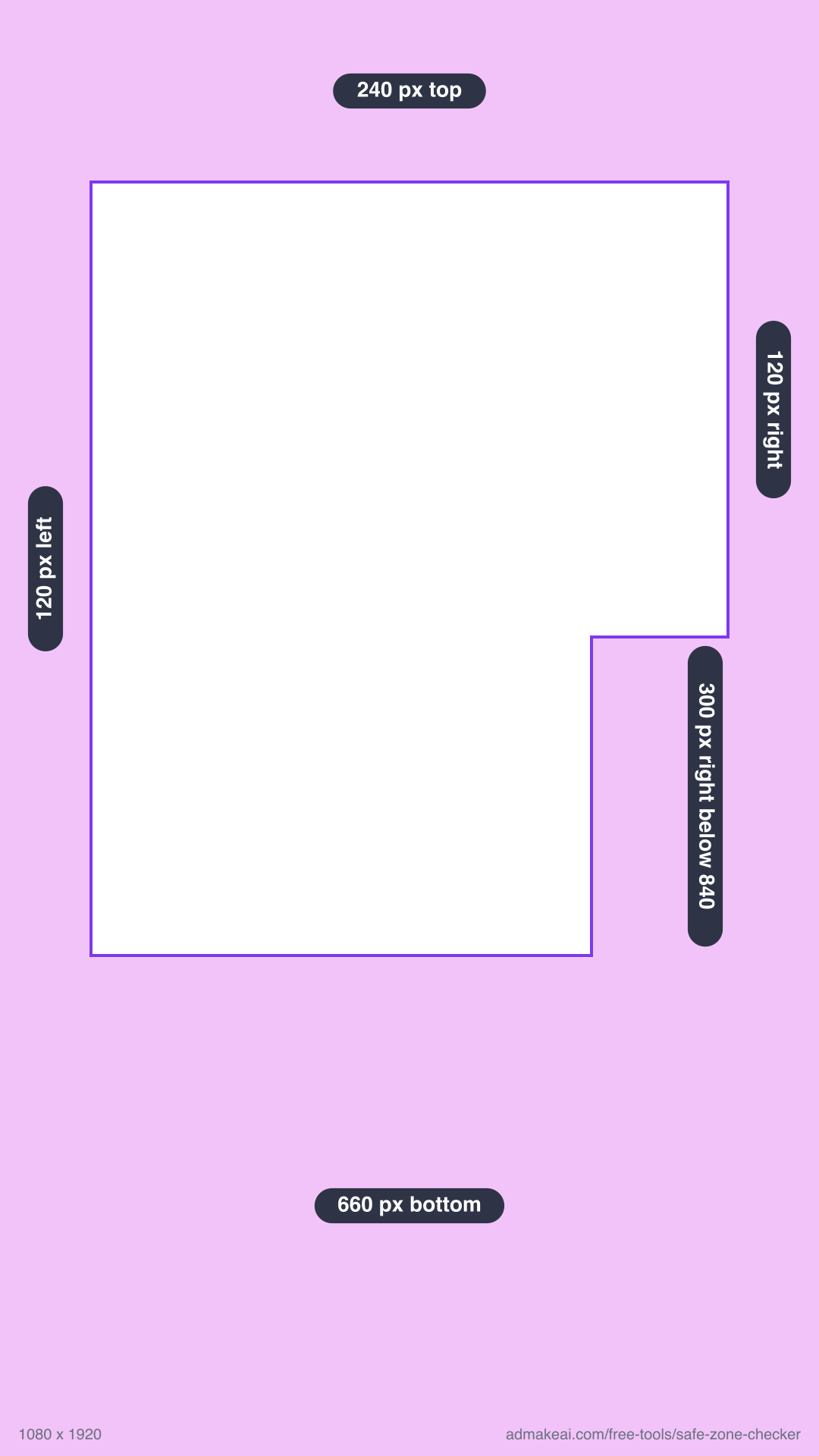
1080 x 1920, transparent. Lay it over your 9:16 edit in CapCut, Premiere or Canva. Hide it before you export.
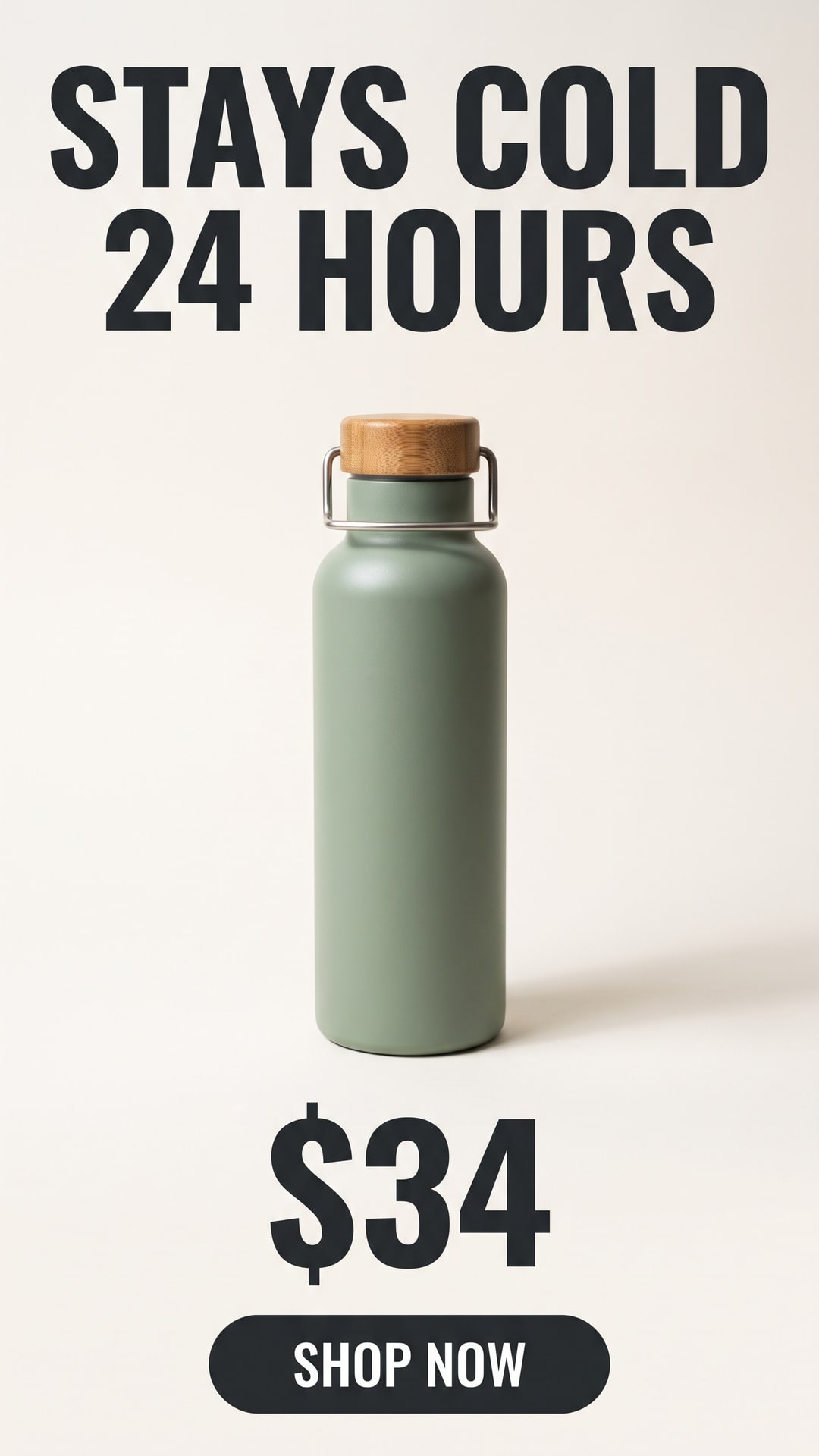
Covered
Headline and price are hidden
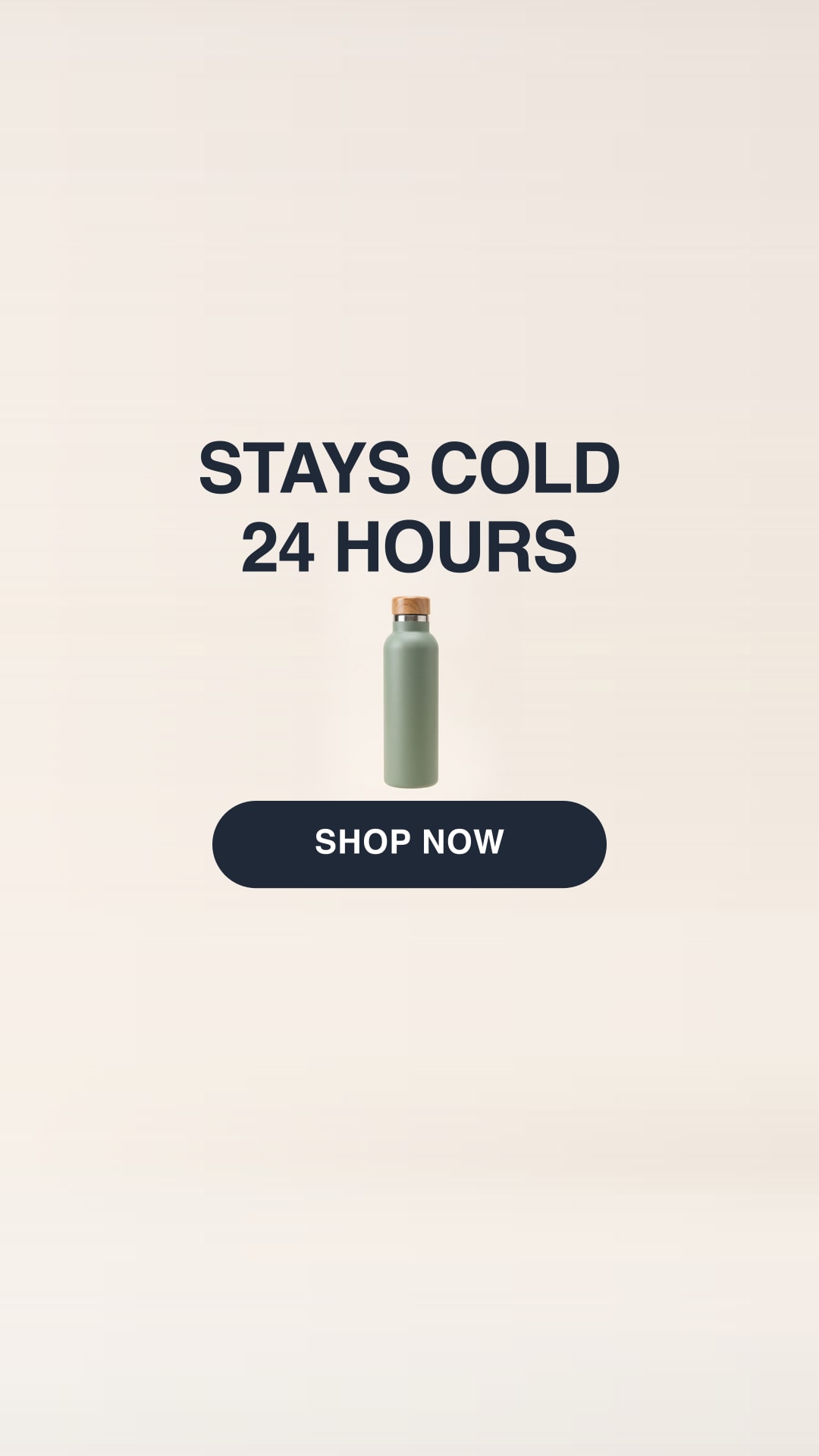
Clear
Everything stays visible
Making the ad, not just checking it? AdMakeAI makes 9:16 ads from one product photo. Try it free
Source: TikTok's In-Feed ad template, measured August 27, 2026Download the 1080 x 1920 overlay PNG
Other placements: Instagram Reels, Instagram Story, or Shorts, Snapchat and Pinterest in the safe zone checker.
Made with AdMakeAI
One product photo in. A batch of ads out.
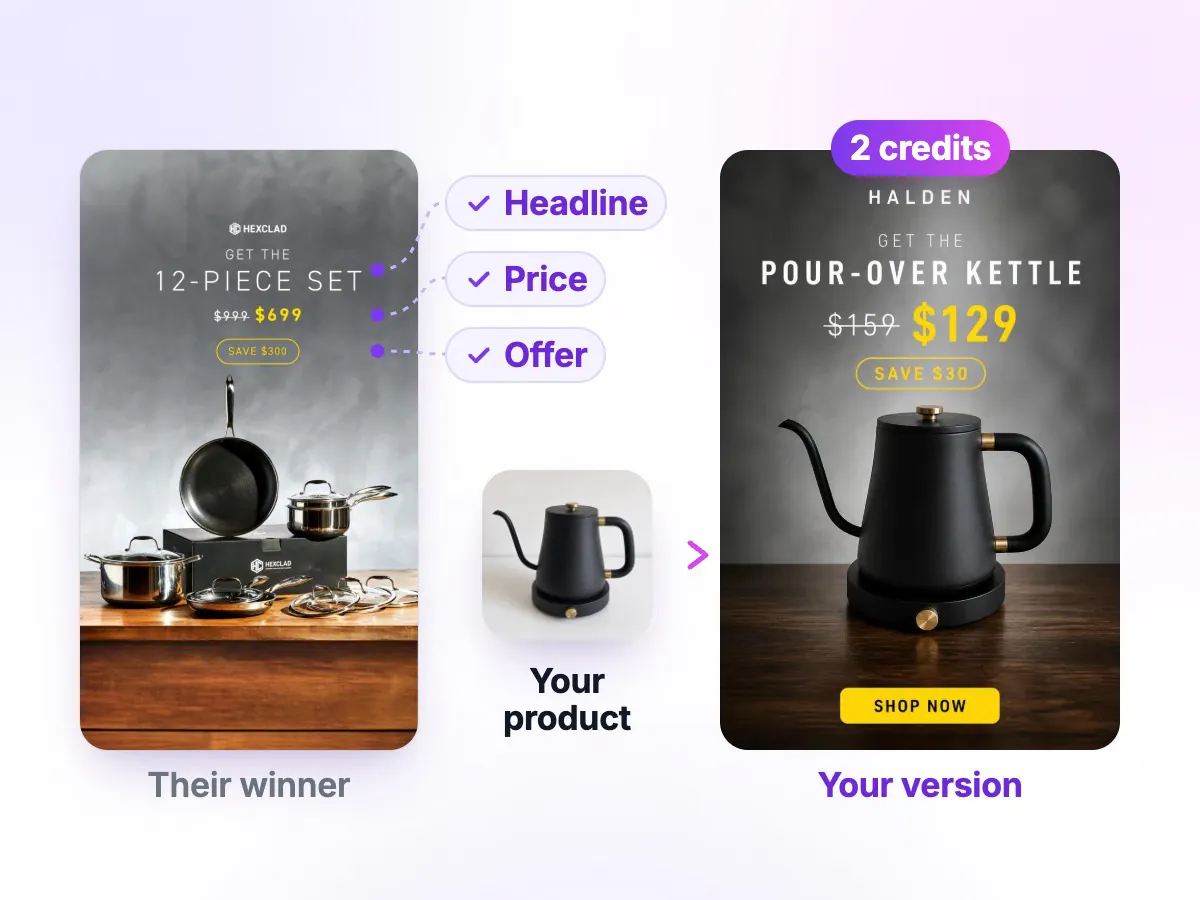
Pick an ad that is already running, add your product photo, and get your own version in about 30 seconds.
Make my first ad- 30 free credits
- No card
Questions
What is the TikTok safe zone?
TikTok publishes no pixel margins, so these come from its In-Feed ad template at 1080 x 1920: keep text, logos and faces 240 px from the top, 660 px from the bottom and 120 px from each side, and 300 px on the right from 840 px down, beside the buttons. A longer caption covers more of the bottom.
Is there a TikTok safe zone template?
Yes. Download the 1080 x 1920 overlay PNG under the checker. Its middle is transparent, so you can lay it over your edit in CapCut, Premiere or Canva. Hide it before you export.
Is the TikTok safe zone the same as Instagram Reels?
No. Reels asks for 269 px at the top and 65 px at each side. TikTok asks for 120 px at each side and 300 px beside its buttons, so text that clears Reels can still sit under TikTok's icons.
What size should a TikTok ad be?
1080 x 1920 (9:16) fills the screen; TikTok also accepts 1:1 and 16:9. For other 9:16 sizes, use the percentages: 12.5% top, 34.4% bottom, 11.1% each side, and 27.8% on the right below the 43.8% mark.