Meta Pixel Helper Warnings: What Each One Means and How to Fix It (2026)
Meta Pixel Helper is now Meta Ads Data Advisor, and logged out it shows no warnings. Where to read them, what they mean, and the costly mistakes nothing flags.
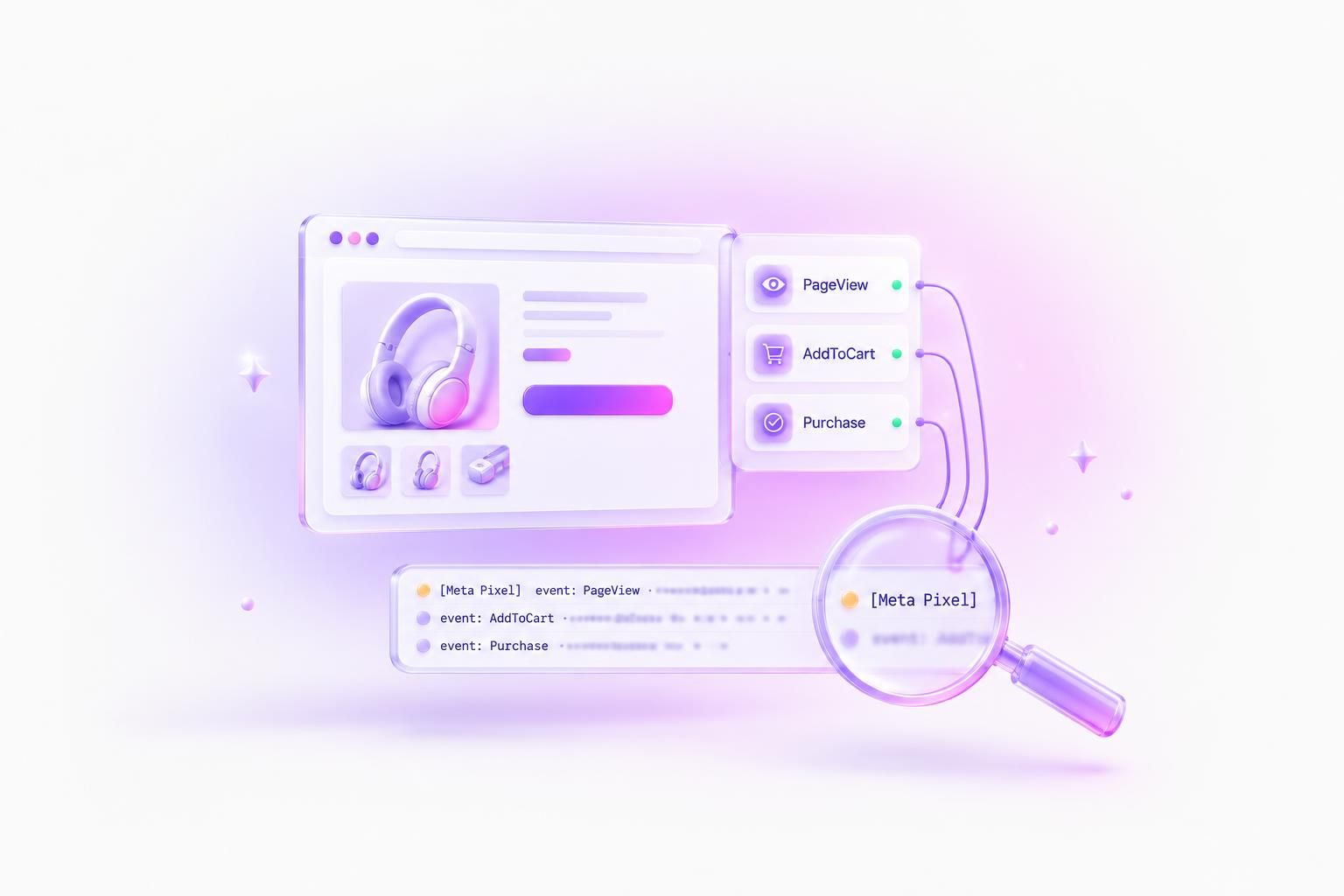
Meta Pixel Helper still exists: in summer 2026 Meta renamed it Meta Ads Data Advisor and moved the same free Chrome extension into a side panel. When we broke a test page on purpose, it marked every event Active while the pixel printed five errors to the console, and the mistakes that double count or lose purchases warned nowhere. Use it to see which events fired, then read warnings in the console and check the expensive mistakes yourself.
What Data Advisor shows when you're logged out
The Web Store listing reads "Meta Ads Data Advisor (formerly Meta Pixel Helper)" and runs in Chrome and Edge. A third-party extension called "Pixel Helper for Meta" shows up in the same search; the real one says "Offered by Meta".
Logged out, it found our pixel, listed every event and showed each event's parameters. It never showed a warning. On a page where the pixel had just complained about five Purchase calls, all eleven events were marked Active.
Same test page, two views
Data Advisor marked every event Active while the console printed five errors
Meta Pixel
ID: 123456789012345
Events on this page
- AddToCartActive
- PurchaseActive
- PurchaseActive
- PurchaseActive
- PurchaseActive
- PurchaseActive
The extension's own code explains it: it loads its settings from Meta only when you're logged in, and its checks for pixel errors, duplicate events and a pixel that stopped firing stay off without them. Meta's doc says basic detection works logged out, and Web Store reviewers in February 2026 said login was mandatory. Both are half right. We couldn't test logged in because our test browser had no Facebook account, so take the panel as an event viewer and get warnings from the console.
Read the warnings in the console instead
The warnings Data Advisor would show come from the pixel itself, and the pixel prints them whether the extension is installed or not. Open DevTools (F12, or Cmd+Option+J on a Mac), go to Console and type [Meta Pixel] in the filter box. These are the ones worth knowing. Only the two ID warnings stop data from going out; everything else is a complaint about an event Meta already received.
- Duplicate Pixel ID: 123456789012345.Cause: The base code is on the page twice, usually a plugin plus a hardcoded snippet.Fix: Keep one copy. The pixel ignored the second, so only one PageView went out.
- Invalid PixelID: a non-numeric string.nothing sentCause: The placeholder ID was never replaced.Fix: Paste the numeric ID from Events Manager.
- Invalid PixelID: a number too large to be exact.nothing sentCause: A long ID written without quotes, which JavaScript rounds.Fix: Put the ID in quotes.
- Required parameter 'value' is missing for event 'Purchase'.Cause: Purchase fired without a value (the same line exists for currency).Fix: Send
valueas a number and a three-lettercurrency. - Parameter 'value' is invalid for event 'Purchase'.Cause: A formatted price like
'$49.99'or'1,299.00'.Fix: A plain number:49.99. - Parameter 'currency' is invalid for event 'Purchase'.Cause: A symbol or number (
'$','840'), or a currency missing from the pixel's list.Fix: An ISO code like'USD'. See the note on NGN, EGP and PKR below. - You are sending a non-standard event 'purchase'. The preferred way to send these events is using trackCustom.Cause: The name isn't an exact standard event, often just the wrong case.Fix: Use the exact name (
Purchase), ortrackCustomfor your own events.
Older guides use names like "Pixel Did Not Load" and "Pixel Activated Multiple Times" from Meta's pre-2026 doc. The closest current warnings are "Duplicate Pixel ID" and "Invalid PixelID".
Every parameter warning in that list names Purchase, and that's the limit of the console. Purchase is the only event the pixel checks. An AddToCart with '$49.99' or currency '$' went out with no warning, and a Purchase with warnings went out too.
Pixel library 2.9.415
Same bad values, two events: only Purchase gets checked
fbq('track', 'Purchase', {value: '1,299.00', currency: 'NGN'})fbq('track', 'AddToCart', {value: '1,299.00', currency: 'NGN'})Purchase value the pixel accepts
One exception to the fix column. If you sell in Nigerian naira, Egyptian pounds or Pakistani rupees, the pixel calls your currency invalid because its built-in list has 49 codes while Meta's currencies page lists 66. The event still goes out with your code. Don't convert to USD just to silence it.



The pixel only measures. What you test against it is creative: AdMakeAI turns one product photo into ready-to-run Meta ad images.
Make ad imagesThe mistakes that don't warn anywhere
A clean console tells you the Purchase is well formed. It doesn't tell you whether that Purchase is counted once. The mistakes we'd worry about most printed nothing in the console and looked normal in Data Advisor:
eventIDinside the parameters object. The pixel sends it as a custom parameter,cd[eventID], with no event ID at all, so a matching server event has nothing to match.An empty eventID, because the order ID wasn't set yet when the event fired. It disappears without a trace.
Purchase fired twice by a thank-you page reload or a second script. Both hits went out, even with the same eventID, and Data Advisor showed every copy as Active.
Customer data in the URL. A page address with an email and a card number in the query string was sent to Meta in full.
Fix the eventID one first. It's invisible, and it decides whether your browser and server copies of a sale merge. The ID goes in a fourth argument, not inside the parameters:
fbq('track', 'Purchase',
  { value: 49.99, currency: 'USD' },
  { eventID: 'order-1001' }
);
Your server sends the same string as event_id with event_name "Purchase". Meta's deduplication doc says it discards the later copy when both reach the same pixel within 48 hours. Use the order number, since both sides already have it.
One order, sent from browser and server
Where eventID goes decides whether the sale counts once
fbq('track', 'Purchase', {...}, {eventID: 'order-1001'})Browser (pixel request)
evPurchase
eidorder-1001
Server (Conversions API)
event_name"Purchase"
event_id"order-1001"
Meta, same dataset
keys compared within 48 hours
1
purchases counted
Keys match: the later copy is discarded
A doubled or missing Purchase changes the conversions the learning phase counts, which is why we place one test order and count the Purchase rows by hand.
When Data Advisor finds no pixel or no events
The opposite problem, a panel with nothing in it, usually comes down to whether Meta's script loaded. One console command answers that:
fbq.versionA loaded pixel returns its version number. "2.0" means only the snippet's stub ran and the library never arrived, which on your own machine is usually your ad blocker.
An empty panel, three causes
What the console says when Data Advisor shows nothing
Console
> fbq.version
< "2.9.415"
>
Data Advisor
A Pixel was found on this page
Meta Pixel
Active
- PageView
- AddToCart
The library loaded and events are going out.
One more cause we reproduced: a cookie banner that calls fbq('consent', 'revoke') holds every event until the visitor accepts, so accept your own banner before testing. Meta also says button-click events may not be detected on some setups; click the button, and use Test Events if it still doesn't appear. If the base code itself looks wrong, check where the base code goes.
Confirm it in Test Events before you launch
Everything so far happens in your browser, and Conversions API events never pass through it. The last check is in Events Manager: Data sources, pick the dataset, Test events, enter your URL and click Open website. Events show up live while that page is open and stay for 24 hours. The Overview totals lag behind by 20 to 30 minutes or more.
For server events, Test Events gives you a test_event_code to send. Take it out before launch: the Conversions API doc says events sent with it "are not dropped" and are used for targeting and measurement, so your test purchases count. Once both sources run, Overview > Event Details > Event Deduplication shows whether the browser and server copies are merging.
Meta Pixel Helper FAQ
Is Meta Pixel Helper still available?
Yes, as Meta Ads Data Advisor on the Chrome Web Store and Edge Add-ons, offered by Meta. Existing Pixel Helper installs updated to it automatically.
Does Meta Pixel Helper require a login?
Not to see pixels and events. Logged out, it showed no warnings in our test, so log in or read the console when you need them.
Does Meta Pixel Helper show Conversions API events?
No. Server events never pass through your browser. Check them in Events Manager's Test Events.
Can a single-page app double count PageView?
Not on the pixel version we tested. A manual PageView fired at most once per page load and didn't stack with the pixel's own route-change PageViews. Setting fbq.disablePushState = true stopped route PageViews entirely. Route tracking code is in our Next.js, React and Nuxt guides.
Does Meta Pixel Helper work in Firefox or Safari?
No, only Chrome and Edge. The console check works in any browser.
Pixel check before you launch
- 1Data Advisor lists the events you expect on the landing, product and thank-you pages.
- 2With your ad blocker off,
fbq.versionreturns a version number, not "2.0". - 3The console, filtered for
[Meta Pixel], is empty on those pages, apart from a currency warning you expect. - 4
eventIDis the fourth argument and holds the order ID. - 5One test order produces one Purchase row, and reloading the thank-you page adds none.
- 6No emails, names or card numbers appear in your page URLs.
- 7Test Events shows the server copy as deduplicated, and
test_event_codeis gone from the production payload.
How we got this
On October 10, 2026 we built test pages that broke the pixel in 33 ways and ran them in Chromium with Meta Pixel library 2.9.415 and Meta Ads Data Advisor 5.9.1, logged out, on a fake pixel ID. Every request was answered locally, so nothing reached Meta. Warning text is copied from the console. We couldn't test Data Advisor logged in or open Events Manager. Meta's rules come from its Data Advisor doc, Conversions API docs, currencies page and Business Help Center. Meta updates the pixel without notice, so compare your fbq.version with ours.
Make your next ad from what already runs
Research what competitors are running, then generate your own on-brand ads in minutes.