Instagram Promotion Not Approved: What Stopped Your Boost and How to Fix It (2026)
Instagram promotion not approved, or Boost unavailable? Find which of three checks stopped your boost, what fixes each, and when a review request is worth it.
"Promotion not approved" means Meta's ad review rejected your boost: the post stays on your profile, but it won't run as an ad. In the 52 advertiser reports we read, though, only 13 were a reviewer saying no. The rest were blocked before review or stopped by the account behind them, and those have no review to request. So before you appeal or rebuild anything, find out which check stopped your boost.
Find the check that stopped your boost
Every boost passes three checks, and each one fails with its own kind of message. The eligibility check runs the moment you tap Boost: if the post breaks a format rule, you get "Boost unavailable" and the flow ends there. A post that passes goes to Meta's ad review, and a rejection comes back as "not approved" with a reason. Underneath both, the account has to be able to pay and advertise. When it can't, every boost fails no matter what the post looks like.
Eligibility check
Nothing to appeal
Ad review
One review request
Account and app
Not an ad problem
What you see
“Boost unavailable. Posts with a vertical 3:4 aspect ratio can't be used for ads.”
What it means
No reviewer saw it. Post a version that passes the format rules.
The reason sits in Profile > Professional dashboard > Ad tools: tap the ad. If you boosted with a Meta ad account, Meta also emails a link to Business Support Home with the same reason. Leave the rejected ad where it is while you decide what to do. Deleting it can cost you the review.
What 52 advertisers ran into
Sorting the reports by check changes what most people should do next. We collected 52 public posts from 2022 to 2026 where someone's Instagram boost failed, and grouped them by where it stopped.
52 advertiser reports, 2022 to 2026
Only 13 were a reviewer saying no
Licensed music alone is a quarter of the pile, and it's the most misunderstood block. Musicians found their own distributed songs counted as licensed because they were in Instagram's library. The second-biggest group never got a verdict at all: boosts that sat "in review" for days or vanished from Ad tools a few seconds after submitting. And at least four of the 13 real rejections looked like misreads to the people posting: a boxing gym read as credit, housing or employment, a non-alcoholic mixer read as alcohol. Those are what a review request is for.
Blocked before review: post a version that passes
If the message says "Boost unavailable", no review happened, so there's nothing to appeal and waiting won't change it. The fix is a cleaner post. Meta lists the Reel rules; these are the ones that catch people:
 Trending song✦ EffectWhich color?SageOathonestly the softest thing I ownBoost post
Reel
- Library trackOriginal audio
- Camera effectRemoved
- Poll stickerRemoved
- Auto captionsTurned off
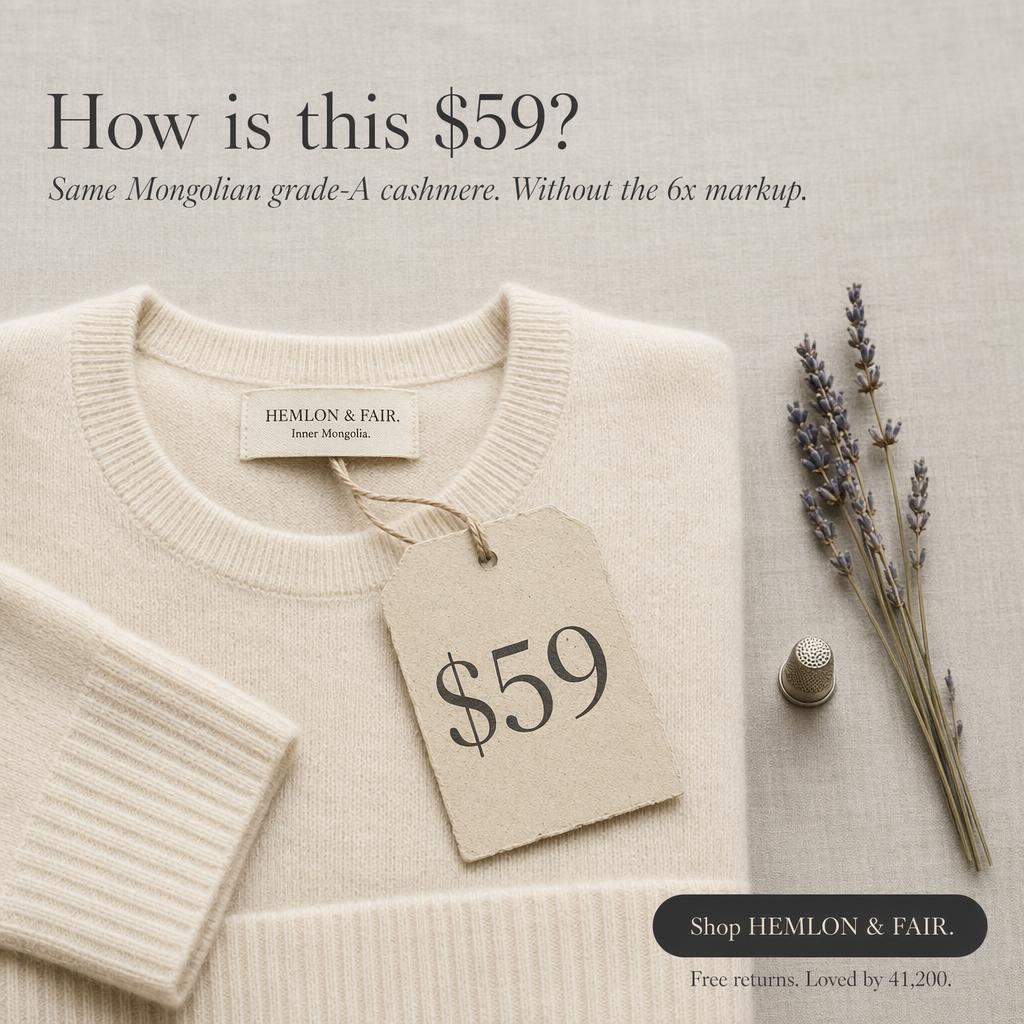
Photo or carousel
4:5 · 1080 x 1350
Boostable
For music, the boost flow offers to swap your track for an allowed one, but advertisers report the swap replaces the whole audio, voiceover included. To keep your voice, strip the song from the original file in an editor and re-post with original audio or a Sound Collection track. For specs and safe zones, see Reel dimensions and safe zone.
Photos have a newer trap. Instagram has allowed 3:4 posts since mid-2025, but advertisers report that boosting one returns "Posts with a vertical 3:4 aspect ratio can't be used for ads." Re-cropping to 4:5 at 1080 x 1350 and re-posting fixed it in that thread. Paid partnership posts boost only with one brand partner on the label, posts with tagged products wait until every product is approved in your catalog, and a story has to be a single card with no polls, music or link stickers.
Rejected in review: edit it, or spend your one review
Getting "not approved" means you cleared eligibility and Meta's review (mostly automated) made a call. Now you have a real choice, and one shot at the appeal: Meta allows one review request per ad, and a second no is final. Spend it when the reason misreads the post. When the reason names something that's really there, editing is faster.
Cocktail mixer post
Not approved“This ad doesn't comply with our Alcohol policy.”
The brand requested a review. The boost was running about three days later.
Use it when: The reason misreads the post. This mixer has no alcohol in it.
- Tap the review option on the ad in Ad tools
- More of the re-review is done by people. Meta aims to answer in 48 hours
- Overturned: the boost runs and it doesn't count as a violation
- Upheld: final for this ad, there's no second request
Most reasons come from a short list. Swimwear, lingerie and body-treatment photos get caught by the nudity standard. Weight-loss, supplement and cosmetic boosts need an 18+ audience and can't talk down to the viewer's body (see which supplement claims keep running). Alcohol needs the local legal age. US boosts about financial products, jobs or housing need a Special Ad Category, and political or social-issue posts need authorization. Borrowing another brand or a public figure reads as deceptive: a satirical Reel with Tesla branding was pulled after a day and a half, and its review didn't bring it back.
When the reason names your image or your words, the fix is a new creative. AdMakeAI makes new ad variations from your product photo, so you can boost or upload a version without the flagged element.
Make a new adWhen the account or the app is the problem
The third check is the one people misread most, because the post looks fine and nothing names a reason. A boost stuck "in review" past 48 hours, a boost that vanishes from Ad tools, "Ad payment info is unavailable" and "We're unable to connect to your Meta ad account" all point to the account, not the post. Meta reviews most boosts within a day, so anything slower is rarely about the creative.
What got boosts moving in the reports: verifying the payment method in Meta Business Suite, paying an overdue balance, and, when the in-app flow broke in June 2026, building the same post in Ads Manager with Use existing post. Boosting from instagram.com instead of the iPhone app also skips Apple's 30% fee on boost funds. If the message says your professional account "can't be used to advertise", the account itself is restricted, and that has its own process: how restriction reviews work. If the boost was approved but spends nothing, that's a delivery problem: see approved but spending nothing.
If you'd rather skip the Boost button, AdMakeAI can upload a new creative to Ads Manager as a paused draft, and its pre-upload check flags copy patterns Meta rejects, like questions about the reader ("Are you diabetic?") or words like "guaranteed" and "cure".
Instagram promotion FAQ
What does "promotion not approved" mean on Instagram?
Meta's ad review rejected your boost, so it won't run as an ad. The post stays on your profile, and you can edit the boost or request one review.
How long does Instagram take to approve a promotion?
Meta says most boosts are reviewed within 24 hours, and it aims to answer a review request within 48. A boost still pending after two days usually points to payment or the account.
Do you get charged if your Instagram promotion is not approved?
Not if it was rejected before it ran, because Meta bills for delivery. Rejected mid-run, you pay for what delivered: one advertiser lost $9.13 of a $14 budget, plus Apple's fee for boosting on iPhone.
Can you boost a Reel with music on Instagram?
Only with original audio or a track from Meta's Sound Collection. The boost flow can swap your song for an allowed one, but the swap replaces your voiceover too.
How do I boost an Instagram post?
Switch to a professional account (Creator works), open the post, tap Boost, set goal, audience, budget and duration, then tap Boost post. A Facebook Page is optional.
What does "Your professional account can't be used to advertise" mean?
The Instagram account or its business portfolio is restricted, so every boost fails until a review lifts it. Here's how restriction reviews work.
Before you boost again
- 1Read the exact message: "Boost unavailable", "not approved", or a boost that's stuck or gone.
- 2Boost unavailable: fix the post and re-post it. There's no review coming.
- 3Reels: original audio, no effects, stickers or auto captions, 90 seconds or less, not shared to Facebook.
- 4Photos and carousels: 4:5, not 3:4. One brand partner on a paid partnership label.
- 5Not approved: request a review only if the reason misreads the post. Otherwise change what it names.
- 6Don't delete the rejected ad before you've decided.
- 7Stuck past 48 hours: check payment and account status, then boost from instagram.com or Ads Manager.
How we got this
Meta's rules, error strings and review times come from its Business Help Center and Transparency Center, checked October 10, 2026. The 52 reports are public posts from September 2022 to September 2026, mostly Reddit (r/Instagram, r/InstagramMarketing, r/FacebookAds and nearby subreddits) plus Shopify Community, Sprout Social Community and Blind. We sorted each by where the boost stopped, as the poster described it. People post when they're stuck, so the sample skews toward hard cases, and Meta doesn't publish the in-app rejection screen, so wording varies by app version.
Make your next ad from what already runs
Research what competitors are running, then generate your own on-brand ads in minutes.