How to Boost a Facebook Post in 2026 (And Why It's the Most Expensive Button on the Platform)
Boost Post is the most expensive button in Facebook. We break down what it actually does, the boost-vs-Ads-Manager cost gap (often 2-3x), when to actually use it, and the desktop flow that works in 2026.
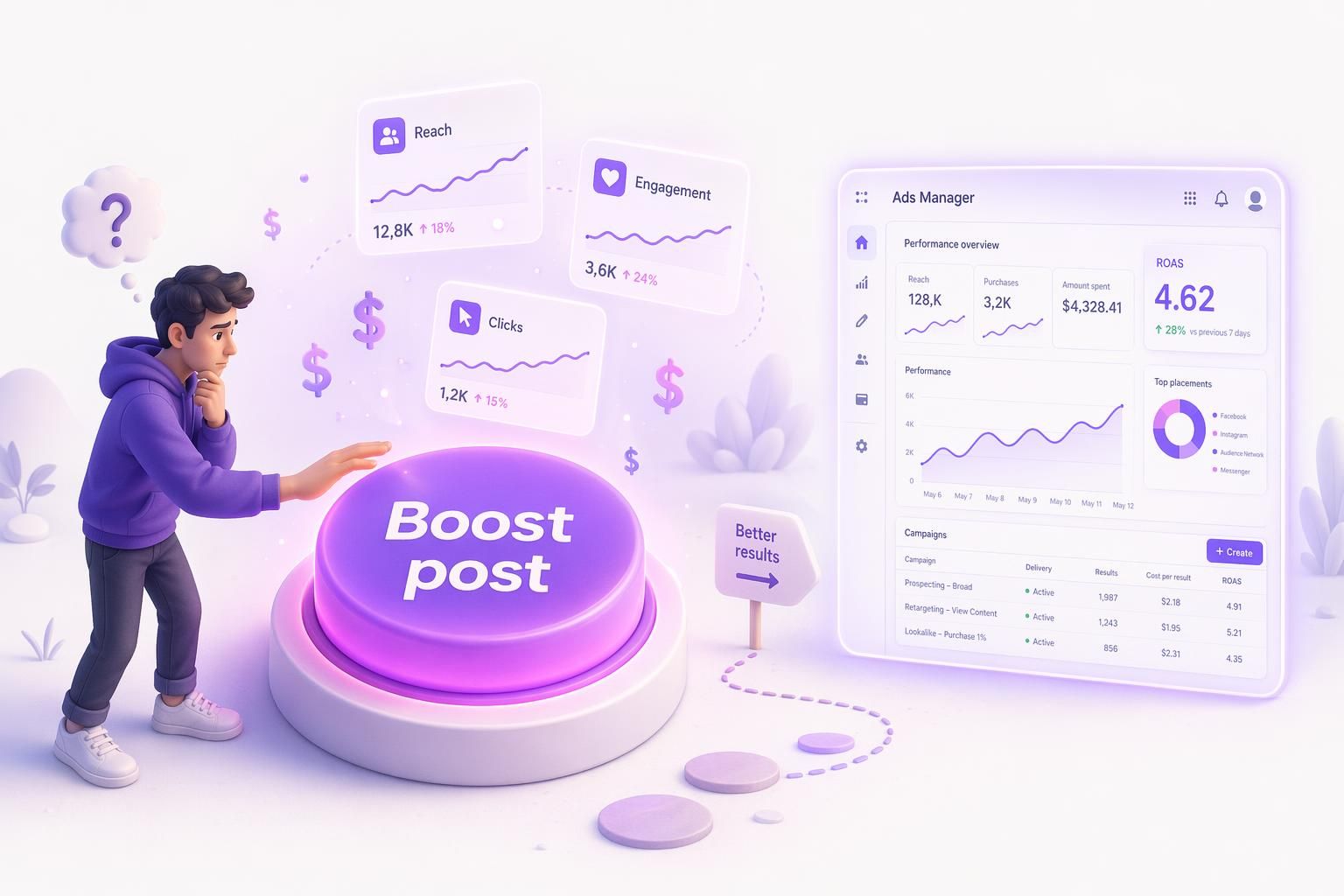
Bottom line: boost a post if you want a like or a local reach bump and your budget is under $50. For anything that costs money on your side (sales, leads, retargeting), open Ads Manager. Boost is just a Facebook ad with fewer controls: same billing, smaller menu. It ships one creative to one narrow audience, and Meta's 2024 Andromeda update rewards 8-15 creative variations per ad set, so the button was already losing and now it is losing harder.
In a controlled $75 test, a boosted post cost $3.09 per click. The same creative inside Ads Manager cost $1.04 (full Biteable case study). That gap is the entire article. Here is how to push the button anyway, and when not to.
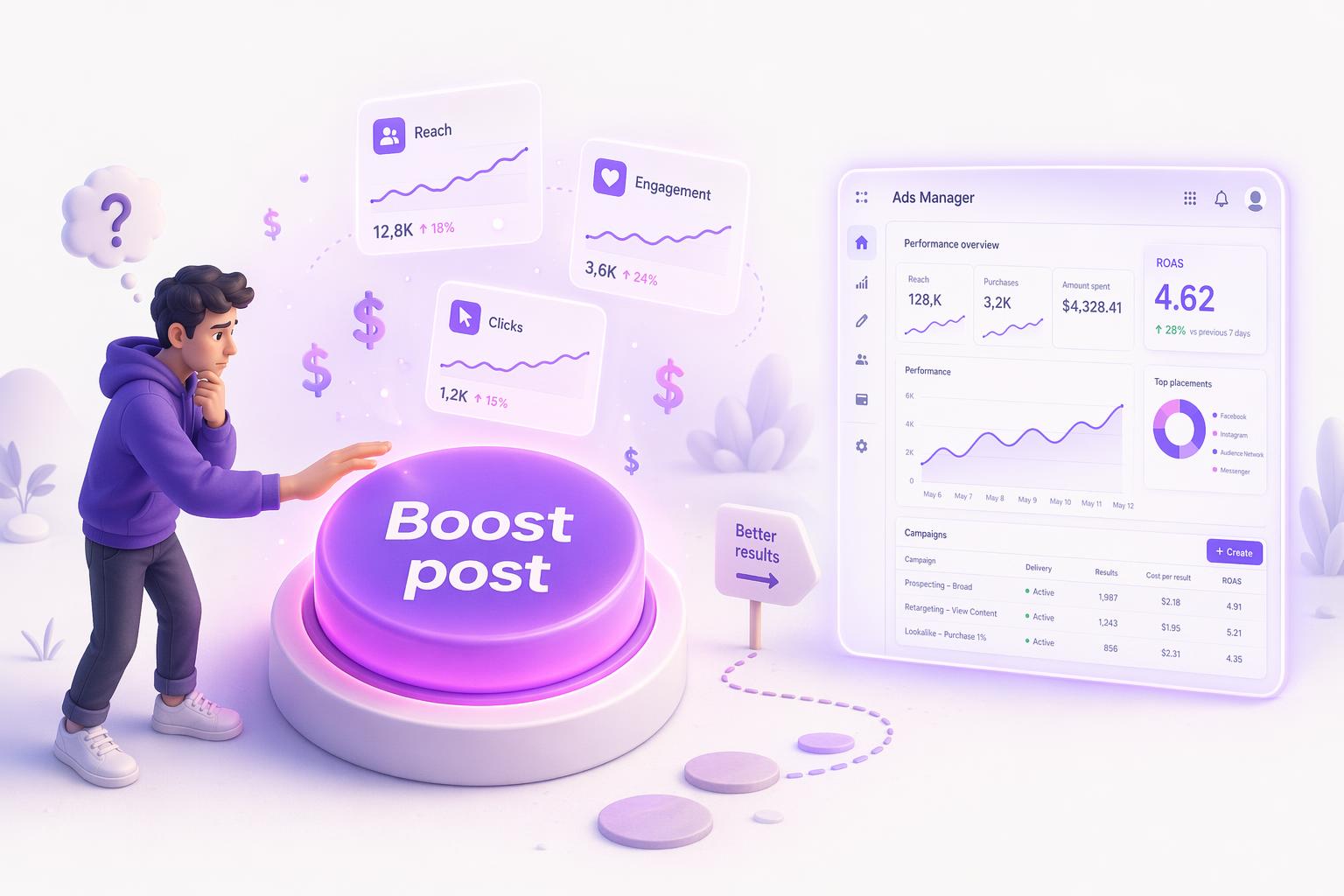
How to Boost a Facebook Post
Here is the desktop flow. Mobile and Business Suite work the same way with a stacked layout.
From your Page on desktop
- Go to
facebook.comand switch to your Page profile. - Scroll to the post you want to boost. Eligible posts show a "Boost post" button under the post.
- Click "Boost post." A modal opens.
- Pick a goal. Defaults to engagement. Click "Change" to see the 9-objective list. For a link post, "Get more website visitors" is the most common useful choice.
- Edit the call-to-action button (Shop Now, Learn More, Sign Up, etc).
- Pick your audience. For a brand-awareness boost on a content post, "People who like your Page and people similar to them" is the least bad default. To build your own, here are real interests with audience sizes.
- Set total budget and duration. Minimum is $1 per day. Default duration is 7 days.
- Confirm placements. Default is Advantage+ (Facebook feed, Instagram feed, Messenger, Stories). You can deselect Messenger or Instagram, but Stories sneaks in either way.
- Add or confirm payment method.
- Click "Boost post now."
Third-party tools (Hootsuite, Buffer, Meta Business Suite) hit the same boost API and the 2-3x cost gap still applies. Agencies juggling multiple client portfolios should always verify the portfolio name at the top of the modal before confirming, otherwise the wrong billing card gets charged.
Where the results live: Meta Business Suite > Ads > "Boosted posts" tab. You get reach, engagements, link clicks, and cost per result. No breakdown by audience or placement and no purchase ROAS column unless you opened the boost with Pixel attached.
Boost gives you 9 objectives, all aimed at engagement, traffic, or messages. None aim at purchase, add-to-cart, lead-form completions with custom fields, app installs, catalog sales, value-based bidding, or Advantage+ Shopping. If you sell anything, Boost is structurally incapable of optimizing for it.
Boost Cost vs Ads Manager Cost: The 2-3x Gap
Three independent tests put the boost penalty at 1.2x to 3x the cost per result of Ads Manager. Receipts below.
| Metric | Boosted Post | Ads Manager | Delta |
|---|---|---|---|
| Cost per 1,000 views | $7.72 | $2.63 | Boost 193% more expensive |
| Total clicks | 23 | 76 | Ads Manager 230% more |
| Cost per click | $3.09 | $1.04 | Boost 197% more expensive |
| 3-second video views | 5,158 | 9,166 | Ads Manager 1.77x |
| Average watch time | 2 sec | 5 sec | Ads Manager 2.5x |
| Total interactions | 5,223 | 9,242 | Ads Manager 1.77x |
| Reactions | 41 | 0 | Boost wins vanity |
| Shares | 1 | 0 | Boost wins vanity |
The Agorapulse Social Media Lab ran a separate $1,500 test (closer to a real budget than $75). Ads Manager still beat the Boost on every metric: 17.28% more clicks, 64.26% higher reach, 18.42% lower CPC. The useful nuance from their writeup: "The Boost button remains practical for beginners, small budgets ($10), or quick promotions on existing posts." Full data at agorapulse.com.
The right framing of Boost in 2026: a $50 creative-testing tool that informs a real Ads Manager campaign, not a substitute for one. Treat it as the start of an Ads Manager workflow and it earns its place in the toolkit.
"If you're spending more than $10/month on advertising it's worth it to either learn the ad manager yourself or hire a professional."
Alex Tucker, after a controlled $10 boost-vs-ad case study (source).
Use Boost If All Of This Is True, Skip It If Any Of This Is True
Boost works if all five of these are true. If any one fails, open Ads Manager.
The post is already overperforming organically
Boost a winner, not a loser. If the organic post is below your normal reach, paying to amplify it just buys you a bigger version of the same flop. This is the single most common boost mistake.
Your goal is engagement, awareness, or local visibility, not sales
Boost defaults to the Engagement objective. If you actually want clicks, switch to "Get more website visitors" in the goal picker, or you'll pay for likes that go nowhere.
Your spend on this single boost is under $100 total
Above $100, the cost gap to Ads Manager is large enough that the 20 minutes you save by clicking the blue button is not worth it.
You have picked the audience manually
The lookalike-of-page-likes default is rarely your buyer. If your page liked you for memes and you sell B2B SaaS, the lookalike of your meme-likers is a wasted boost. Pick the audience yourself or attach a saved custom audience. Always attach the Pixel too: the boost cannot optimize for purchase, but the data it fires into your Pixel compounds for your next campaign.
You are a creator or solo founder and your time genuinely costs more than the cost gap
A 20-minute Ads Manager build for $30 of CPC savings is not worth it if your hourly rate is real. Check the boost at 48 hours: if cost per result has more than doubled from the first 24 hours, kill it.
When to Switch to Ads Manager (8 Triggers)
If any one of these is true, open Ads Manager instead. A 30-minute YouTube tutorial gives you the same controls Loop Earplugs and Ridge Wallet use.
- 1You want sales, not likes.
- 2You have a Pixel and want purchase optimization.
- 3You have a customer list to build lookalikes off.
- 4You want to retarget site visitors or cart abandoners.
- 5You want to A/B test creative or copy.
- 6You want to combine multiple custom audiences (Boost forbids it).
- 7You spend more than $500/month on Meta ads.
- 8You want to exclude existing customers from prospecting (Boost cannot do this).
Boost won't fix bad creative. Generate better posts to boost.
AdMakeAI's Create Ad generates Meta ads at the right spec in about 30 seconds. Free credits, no credit card. For the campaigns where Boost falls short (and that is most of them), you can ship the creative the algorithm actually wants in the same afternoon.
How to Measure If a Boost Worked
Boost reports reach, impressions, engagement, clicks, and CPC in the Boosted Posts tab. For purchases or attribution, tag your link with UTMs and watch GA4 instead. Boost will not tell you who bought.
Example of a Good Boost
Claire Pelletreau's case study is the most credible public example (full breakdown). A boosted post surfaced a creative that hit 3.39% CTR. She then used what the boost taught her to reposition her landing page and rebuilt the campaign in Ads Manager, ultimately driving £0.40 leads. The boost was the test bed; Ads Manager was the campaign.
Frequently Asked Questions
Boost or Ads Manager, the creative is the only thing that moves the number.
AdMakeAI builds Meta-spec ads from your product URL in about 30 seconds. Free to try.
Related Resources
Facebook Ad CTR in 2026 (Andromeda Explainer)
The long-form Andromeda algorithm guide and the 9 creative levers that move CTR.
The Creative Volume Wall
Why Loop Earplugs runs 500+ concurrent ads, and how to hit real creative volume on a small budget.
Facebook Ad Image Sizes in 2026
The complete spec sheet for every Meta placement so your boost does not get letterboxed.
Make your next ad from what already runs
Research what competitors are running, then generate your own on-brand ads in minutes.