How to Create Facebook Ads with AI: Step-by-Step Guide (2026)
Learn how to create high-converting Facebook ads using AI tools. This step-by-step guide covers the complete workflow, ad specs, best practices, and common mistakes to avoid.
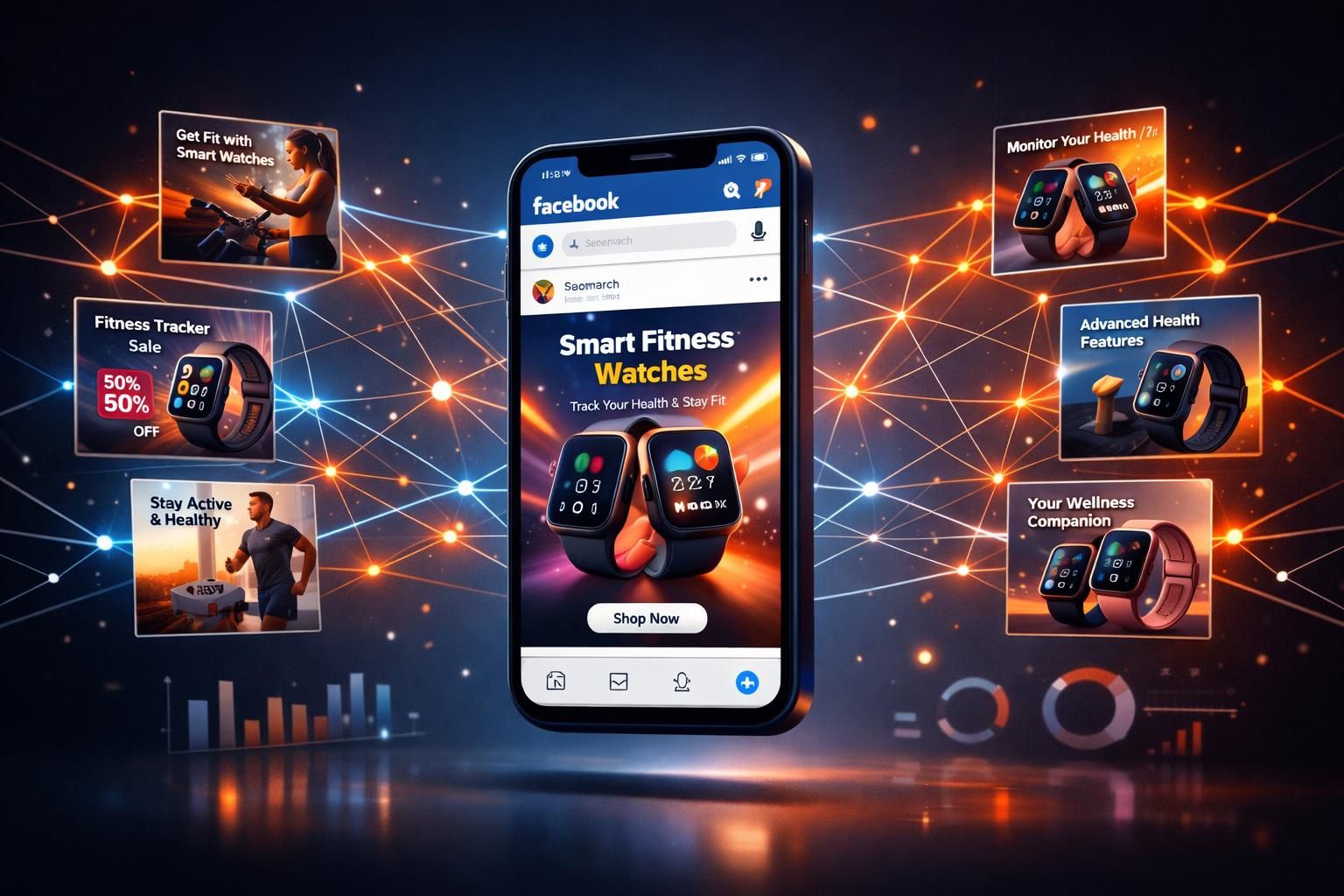
Facebook advertising still delivers some of the highest ROI in digital marketing, but the creative bottleneck is real. Designing ad images, writing copy, resizing for placements, testing variations -- it all takes time most small businesses don't have. AI changes that equation entirely. This guide walks you through exactly how to create Facebook ads with AI, from your first prompt to a live campaign.
The bottom line: AI-optimized ad creatives are delivering up to 2x higher click-through rates compared to manually designed versions, and businesses report up to 50% lift in return on ad spend after adopting AI-generated creatives. In 2026, 78% of marketers are using AI tools -- and it's not hard to see why.
Why AI for Facebook Ads Makes Sense in 2026
Let's start with the honest truth: you don't need AI to make Facebook ads. People have been making them in Canva, Photoshop, and even PowerPoint for years. But here's what's changed.
Meta's own algorithm now favors volume and variety. Their Dynamic Creative Optimization (DCO) tests multiple combinations of headlines, images, and descriptions automatically -- but it needs creative inputs to work with. The more quality variations you feed it, the better it performs. That's where AI shines.
The numbers tell the story. The global AI marketing market has hit $128 billion in 2026, with companies allocating over 18% of their marketing budgets to AI tools. Enterprise adoption is at 92%, and even small businesses have reached 69% adoption. This isn't early-adopter territory anymore -- it's the new baseline.
What AI actually does well for Facebook ads:
- Generates multiple creative variations fast -- Instead of one image over two days, you get 10 options in minutes
- Handles sizing and formatting -- One prompt can produce Feed, Story, and Reel-ready formats
- Enables rapid testing -- More variations means faster learning about what resonates with your audience
- Reduces creative fatigue -- Fresh ad variations on demand, without waiting on a designer's schedule
- Lowers the cost floor -- You don't need a designer or agency to produce professional-quality creatives
Facebook Ad Specs You Need to Know (2026 Update)
Before you generate anything, you need to understand what Facebook actually requires. Getting these wrong means your ads look cropped, blurry, or get rejected outright. Here's the current spec sheet, updated for 2026.
| Placement | Recommended Size | Aspect Ratio | File Format |
|---|---|---|---|
| Feed (Image) | 1080 x 1080 px | 1:1 (square) | JPG or PNG |
| Feed (Vertical) | 1080 x 1350 px | 4:5 | JPG or PNG |
| Stories / Reels | 1080 x 1920 px | 9:16 (vertical) | JPG, PNG, MP4 |
| Right Column | 1200 x 628 px | 1.91:1 (landscape) | JPG or PNG |
| Carousel | 1080 x 1080 px | 1:1 (per card) | JPG or PNG |
2026 Update:
As of 2026, all Facebook feed ad placements support 1:1 format ads. Landscape-only requirements are gone. If you're going to design one size, make it 1080 x 1080 (square) -- it works everywhere. For maximum feed real estate, go 1080 x 1350 (4:5 vertical).
Text limits to keep in mind:
- Primary text: ~125 characters before truncation (you can write more, but most people won't click "See more")
- Headline: 40 characters max (25-30 visible on mobile)
- Description: ~30 characters
- Text on image: Keep it under 20% of the image area, or expect reduced delivery
Step-by-Step: Creating Facebook Ads with AI
Here's the actual process. Whether you're using AdMakeAI, another AI tool, or even Meta's built-in AI features, the workflow follows the same general pattern.
Step 1: Start with Your Product or Brand Assets
Every good AI ad starts with a good input. The AI isn't psychic -- it needs something to work with. You have two approaches:
Text-to-Image (from scratch)
Describe your product and the ad you want. The AI generates everything from your description. Best for:
- New brands without photography
- Concept testing before a photoshoot
- Lifestyle/aspirational imagery
- Quick mockups for client pitches
Image-to-Image (edit existing)
Upload your product photo and let AI transform it into an ad creative. Best for:
- E-commerce products with existing photos
- Adding lifestyle backgrounds to product shots
- Creating variations of winning ad designs
- Adapting a competitor's style to your product
Pro tip:
Image-to-image consistently produces better results for product ads. If you have even a basic product photo (phone camera is fine), use it. The AI can place it in any context -- a kitchen counter, a gym bag, a desk setup -- while keeping your actual product accurate.
Step 2: Write a Clear, Specific Prompt
This is where most people go wrong. A vague prompt like "make a Facebook ad for my protein powder" will get you a vague result. Your prompt needs to cover four elements:
The Prompt Formula:
- The product/offer -- What are you selling? Be specific. "Organic vanilla whey protein, 2lb tub, white and gold packaging" beats "protein powder."
- The visual style -- What should the ad look like? "Clean white background, product centered, minimalist" or "lifestyle shot, woman at gym, natural lighting."
- The audience context -- Who is this for? "Targeting fitness-conscious women 25-45" changes the output vs. "targeting male bodybuilders."
- The ad goal -- "Direct response, focus on the 30% off deal" or "brand awareness, focus on premium quality."
Here are two example prompts -- one weak, one strong -- so you can see the difference:
Weak Prompt
"Create a Facebook ad for my skincare brand"
Too vague. No product details, no style direction, no audience context.
Strong Prompt
"Facebook ad image for a luxury vitamin C serum in amber glass dropper bottle. Clean, bright background with soft golden lighting. Minimalist layout with product as hero. Target: women 30-50 who care about clean beauty. Include subtle citrus elements like a sliced orange. Premium, aspirational feel."
Specific product, clear style, audience context, visual direction.
Step 3: Generate Multiple Variations
This is the whole point of using AI. Don't generate one ad and call it a day. Generate 5-10 variations minimum. Here's why: Facebook's algorithm needs options to optimize against. The more quality variations you give it, the faster it finds what works for each audience segment.
For each concept, try varying:
- Background context -- Same product, different settings (studio, lifestyle, seasonal)
- Color schemes -- Bold and vibrant vs. muted and premium vs. high-contrast
- Composition -- Product centered vs. off-center with lifestyle elements vs. flat-lay
- Emotional angle -- Aspirational vs. problem/solution vs. social proof
- Format -- Square (1:1) for Feed, vertical (4:5) for maximum real estate, 9:16 for Stories
The volume advantage:
Traditional creative production gets you maybe 3-5 variations per week. AI gets you that in 10 minutes. The brands winning on Facebook right now are the ones testing 20-50 creative variations per month. AI makes that possible even for solo operators.
Step 4: Review, Edit, and Refine
AI output is a starting point, not a final product. Every generated ad should go through a quick review. Here's your checklist:
Pre-launch review checklist:
- Product accuracy -- Does the product look right? Correct colors, shape, packaging?
- Text rendering -- If there's text in the image, is it spelled correctly? (AI can still struggle with text)
- Brand consistency -- Does it match your brand colors and overall aesthetic?
- Mobile readability -- Can you read everything on a phone screen? If not, simplify.
- Text overlay amount -- Is less than 20% of the image covered by text?
- Clear focal point -- Does your eye immediately go to the product or key message?
- CTA visibility -- Is there a clear next step visible in the creative?
If something's off, don't start over. Use image-to-image editing to refine. Most AI tools (including AdMakeAI's ad generator) let you take a generated image and make targeted edits: "change the background to blue," "add a holiday theme," "make the product larger."
Step 5: Write Your Ad Copy
Your image grabs attention. Your copy closes the deal. Here's the formula that works for Facebook in 2026:
The ad copy structure:
- Hook (first line) -- Stop the scroll. Lead with a pain point, a bold claim, or a question. This is the only line most people will read.
- Body (2-3 lines) -- Deliver the value proposition. What do they get? Why should they care?
- Social proof (optional) -- A quick stat, testimonial snippet, or trust signal.
- CTA (last line) -- Tell them exactly what to do. "Shop now," "Get 30% off today," "Try free for 7 days."
Remember the character limits: keep your primary text punchy (under 125 characters for full visibility), your headline under 40 characters, and your description under 30. Write three versions of each and let Facebook's algorithm test them.
Step 6: Set Up Your Campaign in Ads Manager
With your AI-generated creatives and copy ready, here's how to structure your campaign for maximum performance:
- Choose your objective -- For most businesses, start with Conversions or Sales. Awareness campaigns are for big brands with big budgets.
- Enable Advantage+ Creative -- This is Meta's dynamic creative feature. Upload your 5-10 AI-generated images, 3+ headline variations, and 3+ primary text options. Let the algorithm find the winning combinations.
- Start with broad targeting -- Meta's algorithm is genuinely good at finding your customers in 2026. Over-targeting (stacking too many interests) often backfires by shrinking your audience and driving up CPMs.
- Set a realistic budget -- Start at $20-50/day per ad set. The algorithm needs about 50 conversions per week to optimize effectively.
- Place on all placements initially -- Feed, Stories, Reels, right column. Let the algorithm figure out where your ads perform best, then prune.
Ready to Try AI Ad Creation?
Skip the learning curve. Upload your product photo, describe the ad you want, and get multiple Facebook-ready creatives in under two minutes. No design skills required.
A/B Testing: The Real Advantage of AI Ads
Here's the thing most guides won't tell you: your first AI-generated ad probably won't be your best performer. And that's fine. The magic of AI isn't that it nails it on the first try -- it's that it lets you test at a pace that was previously impossible.
Traditional A/B testing with a designer means waiting days between iterations. With AI, you can go from "this isn't working" to "here are 8 new variations to test" in the time it takes to drink a coffee.
A practical testing framework:
- Week 1: Launch 5-10 creative variations with broad targeting. Let each ad get at least $20-30 in spend before judging.
- Week 2: Kill the bottom 50%. Generate 5 new variations inspired by what's working. Keep the top performers running.
- Week 3: Double down on your winners. Test micro-variations -- different backgrounds, slightly different compositions, new color schemes.
- Ongoing: Add 2-3 new variations per week to prevent creative fatigue (which typically sets in after 2-4 weeks).
The goal isn't to find one perfect ad. It's to build a system that constantly surfaces winners and replaces fatigued creatives. AI makes this sustainable even if you're a one-person operation. Winners also travel further than most people push them: the free AI ad translator redraws a proven creative in Spanish or German with the layout untouched, which is about the cheapest new-market test you can run.
7 Mistakes to Avoid with AI Facebook Ads
AI tools are powerful, but they don't eliminate the need for good judgment. Here are the most common mistakes people make -- and they're almost all avoidable.
1. Using AI output without any editing
AI-generated images sometimes have subtle issues -- weird fingers, slightly off brand colors, text that's almost-but-not-quite right. Always do a quick review pass. Treat AI output like a first draft from a junior designer: great starting point, needs a human eye.
2. Ignoring the 20% text rule
Facebook's text-on-image guidelines still matter. Images with more than 20% text coverage get reduced delivery. AI-generated ads sometimes pack in too much text. Keep your image focused on visuals and put your copy in the dedicated text fields.
3. Copy-pasting the same prompt
If all your "variations" come from the same prompt, they'll look similar. Real variation means different prompts with different angles, styles, and compositions. Change the background, the mood, the layout, the color palette -- not just small details.
4. Forgetting mobile-first design
Over 98% of Facebook users access the platform on mobile. Your ad needs to be readable on a 6-inch screen. That means bold visuals, limited text, high contrast, and a clear focal point. If you have to squint to read it on your phone, it's not ready.
5. Not researching competitors first
Before generating your own ads, spend 15 minutes in the Facebook Ad Library looking at what competitors in your space are running. Note which ads have been running longest (those are likely profitable). Use those insights to inform your AI prompts. Don't copy -- learn from what's working.
6. Targeting too narrowly
This isn't strictly an AI mistake, but it amplifies the problem. Stacking multiple interest targets feels smart but often results in tiny audiences with high CPMs and unstable delivery. In 2026, Meta's broad targeting with Advantage+ is outperforming hyper-specific interest stacking for most advertisers.
7. Letting ads run without monitoring frequency
Ad fatigue is the silent killer. When your frequency hits 2.5-3x for cold audiences, performance drops sharply. Keep an eye on frequency and have fresh AI-generated creatives ready to swap in when numbers start climbing.
Best Practices for AI-Generated Facebook Ads
After testing hundreds of AI-generated ads across various campaigns, here are the patterns that consistently produce better results:
Creative best practices:
- One message per ad. Don't try to communicate your product's 10 best features in a single image. Pick one hook, one angle, one benefit. Make it bold and clear.
- Use authentic-looking imagery. Counterintuitively, overly polished AI images can underperform. Research shows UGC-style, authentic-feeling content gets higher CTR. Don't make everything look like a glossy magazine ad.
- Lead with the product. In most successful Facebook ads, the product is immediately visible. Don't bury it in a busy scene.
- Design for 4:5 vertical. This format takes up the most feed real estate on mobile. It's the highest-performing aspect ratio for engagement in 2026.
- Use contrasting colors. Your ad competes with everything else in the feed. High contrast and bold color choices help you stand out.
- Include a visible CTA in the image. Even though Facebook adds its own CTA button, having a visual call-to-action within the creative improves performance.
Campaign management best practices:
- Refresh creatives every 2-3 weeks. Top campaigns update creative every 10 days on average. AI makes this achievable.
- Test images separately from copy. Change one variable at a time so you know what's actually driving performance changes.
- Give ads time to learn. Don't kill an ad after $10 in spend. Each ad needs about $20-30 and 2-3 days before you can judge performance.
- Keep frequency under 3.0 for cold traffic. Once you pass this threshold, performance typically drops significantly.
- Always be testing. Have new creatives in the pipeline at all times. When a winner fatigues, you should have the next one ready.
The authenticity paradox:
The strongest Facebook ads in 2026 use the visual to create emotional resonance while the copy provides the rational framework. The image makes someone feel something; the text gives them a logical reason to act on that feeling. AI is excellent at generating the visual hook -- but you still need to bring the human insight for the copy that actually converts.
What's Coming Next: AI Ads in Late 2026 and Beyond
The AI ad creation space is moving fast. Here's what's already emerging and what to prepare for:
- AI video ads are becoming viable. By the end of 2026, AI-generated video is expected to account for 40% of all digital ad content. Tools are getting good enough to produce scroll-stopping video ads from a single product image.
- Meta's native AI tools are expanding. Meta is building AI creative tools directly into Ads Manager. These are useful for quick edits but currently lack the control and quality of dedicated AI ad tools.
- Performance prediction is getting scary accurate. AI systems can now predict campaign performance before launch with around 85% accuracy. This means less wasted budget on ads that were never going to work.
- Personalization at scale. Dynamic creative optimization is evolving into full-blown personalization, where different audience segments automatically see different creative variations tailored to them.
The direction is clear: more creative, tested faster, optimized automatically. The advertisers who build AI into their workflow now will have a meaningful advantage as these capabilities compound.
Start Creating Facebook Ads with AI
You've read the guide -- now try it yourself. Upload a product photo, describe the ad you want, and get multiple Facebook-ready creatives in minutes. Free credits included, no design skills required.
Free credits included -- No credit card required to start
Related Resources
Why Your Winning Ads Die After 2 Weeks
Understanding creative fatigue and how to fight it
Why Ugly Ads Outperform Polished Ones
UGC-style ads get 4x higher CTR than studio shots
How Many Ad Creatives Should You Test?
The complete guide to creative testing volume
AI Ad Generator
Create Facebook ad creatives with AI in minutes
Competitor Intelligence Tool
Find creative inspiration from competitor ads
Create Facebook Ad
Create an ad from any winning style for your own product
Ready to create winning ads?
Research what competitors are running, then generate your own on-brand ads in minutes.